In this article, we will give you a complete overview of IPTV Smarters Pro, share our opinion on the app, and explain how to use it on different devices. Our aim is to help you better understand its features, its overall experience, and the main steps needed to get started easily.
Table of Contents
What is IPTV Smarters Pro?
IPTV Smarters Pro is one of the most popular IPTV player applications and is considered one of the best options for users who want to watch live TV, movies, and other content anywhere. In this IPTV Smarters Pro review, the app stands out for its user-friendly, intuitive interface, support for Xtream Codes, M3U and M3U8 playlists, EPG, parental control, multi-screen viewing, smooth playback, and broad compatibility across Android, phone, and Apple TV devices.
Advantages and Disadvantages of IPTV Smarters Pro :
Pros :
- Very popular and easy to use on Android
- Lets you watch live TV and on-demand content
- Channels can be sorted by country
- Supports M3U files, URL login, and Xtream details
- Includes favourites, EPG, zoom, fullscreen, and audio options
- Offers catch-up and multi-screen viewing
Cons :
- Does not include channels or playlists
- Needs external login details or an M3U file
- Performance depends on the IPTV provider
- Some features require proper setup to work smoothly
My experience :
Android :
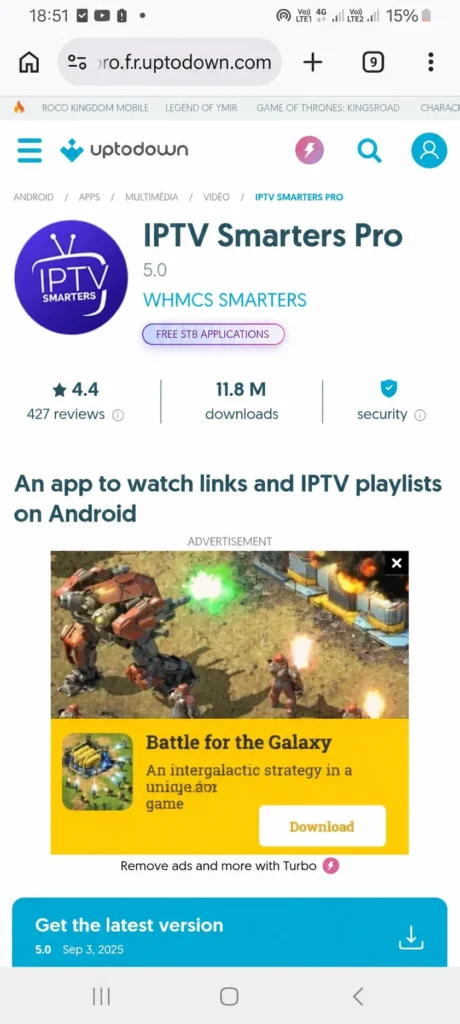
To understand how IPTV Smarters Pro works on Android, we first download the app.
After downloading and opening it, you will find several available formats for adding a playlist. You can choose the one that suits you best. The app offers M3U, Xtream Code, and other options
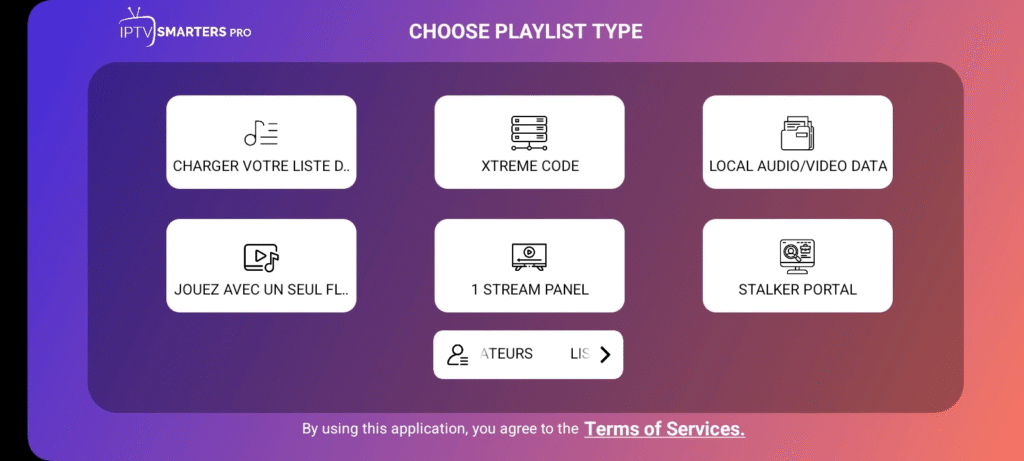
Here, we will choose Xtream Code to add the playlist. We then fill in the required details for this format: username, password, and server URL. These details are usually provided by your IPTV supplier when you subscribe to the service.
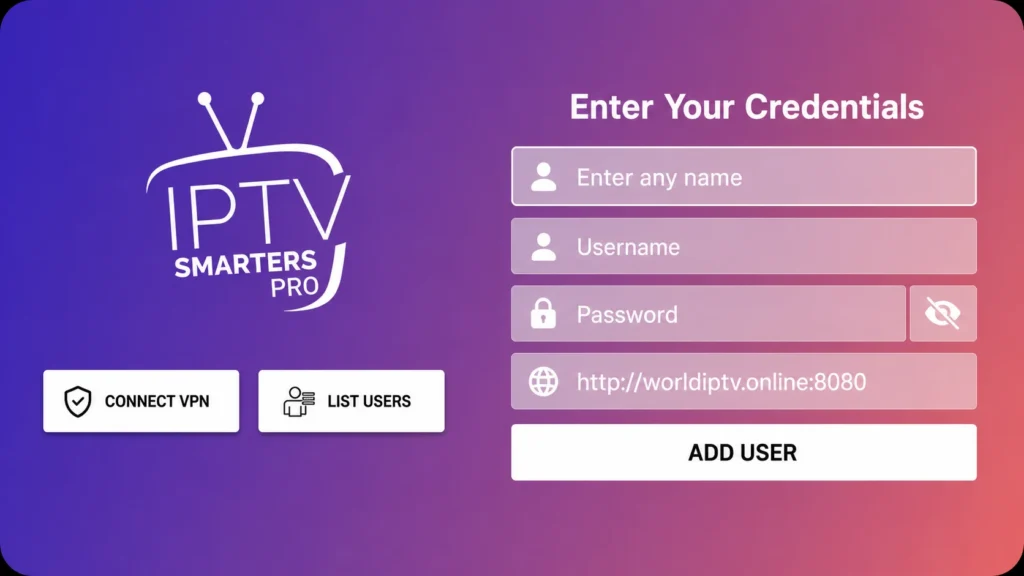
After that, we add the playlist and wait a little for the content to load.
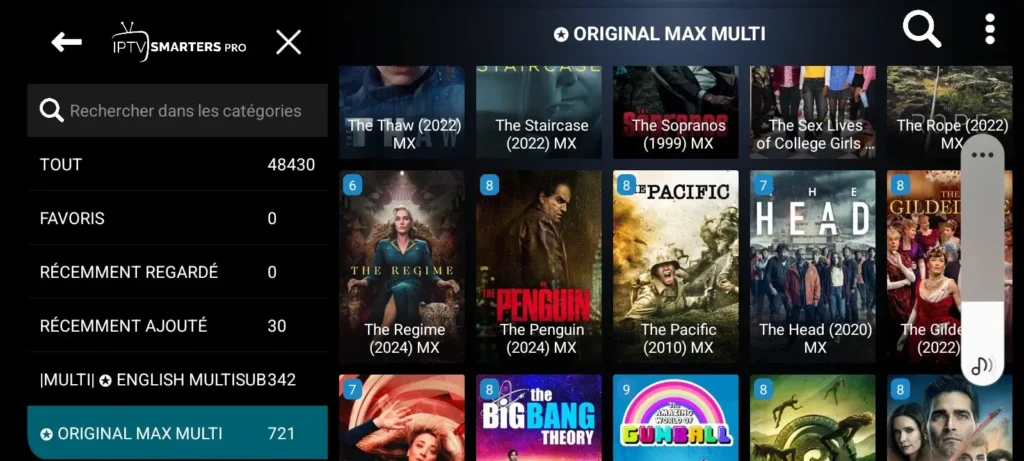
Once the loading is complete, you will find series, movies, live sports, and other programmes ready to watch in high quality.
IOS :
To try IPTV Smarters Pro on an iOS device, we first download the app from the App Store.
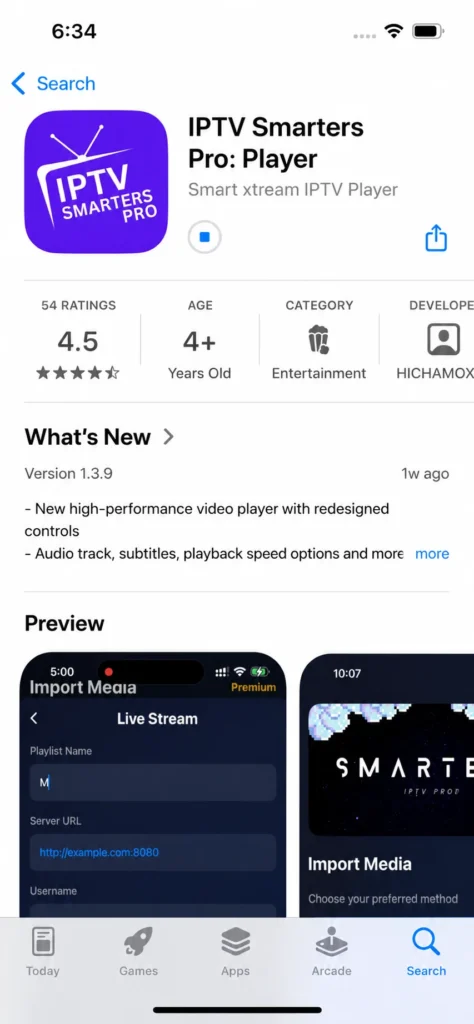
After downloading and opening the app, the main interface shows the available formats suggested by the application for adding a playlist.
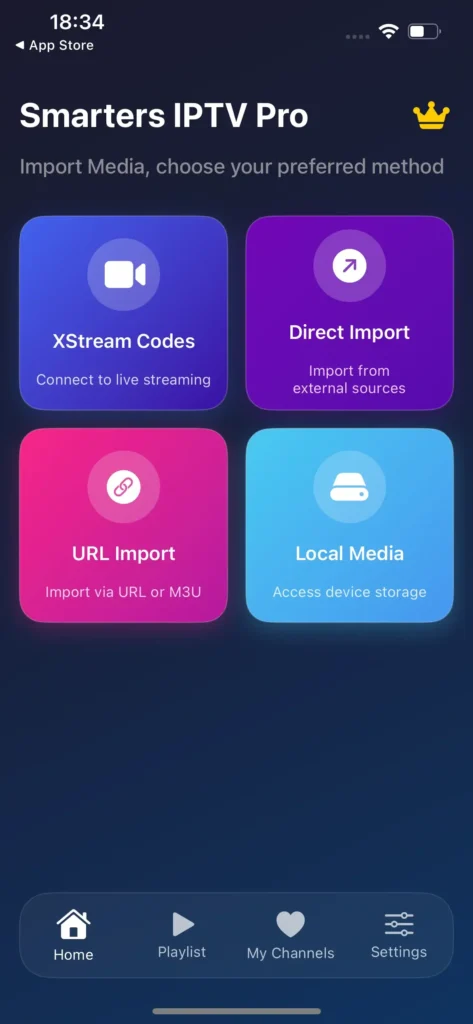
We then choose the format that suits us best. The app offers M3U, Xtream Codes, and other options.
For example, if we choose M3U, we enter a personal name for the playlist and paste the server URL provided by the IPTV supplier.
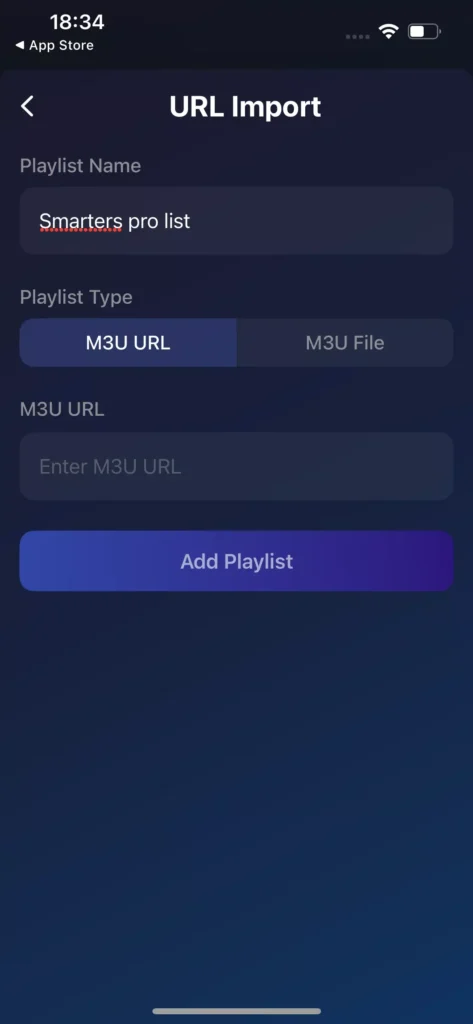
After adding the playlist, we wait a little for the content to load.
Once the loading is complete, you will find series, movies, and other programmes ready to watch.
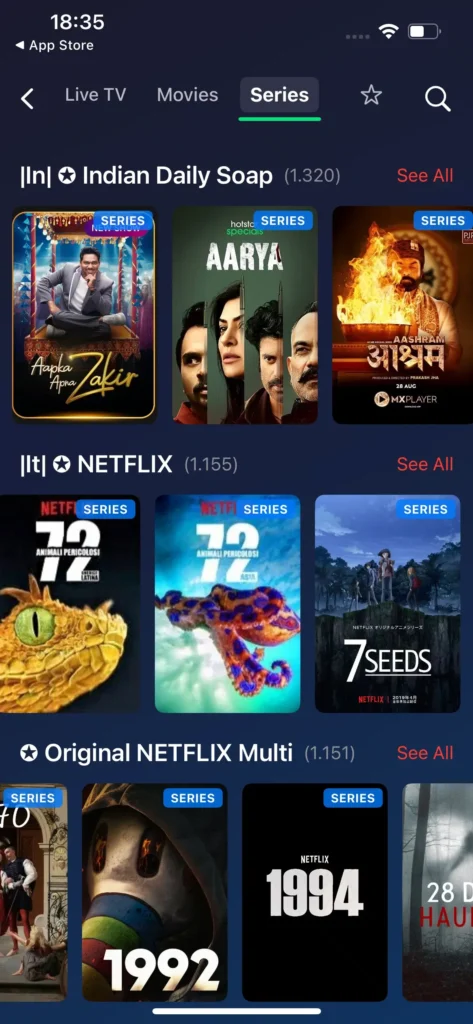
Windows :
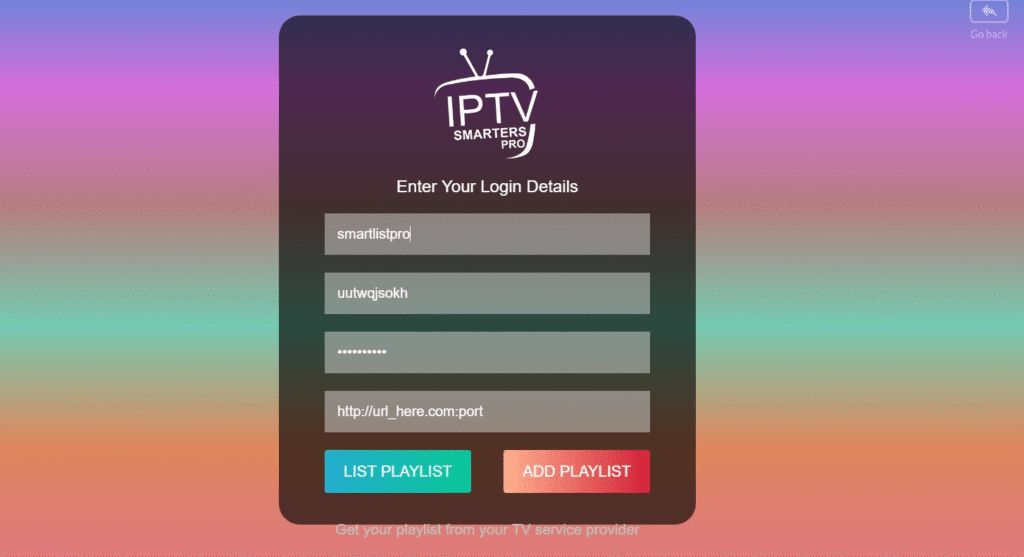
The same steps apply on Windows. First, download the app, then open it. You will see the available formats for adding a playlist.
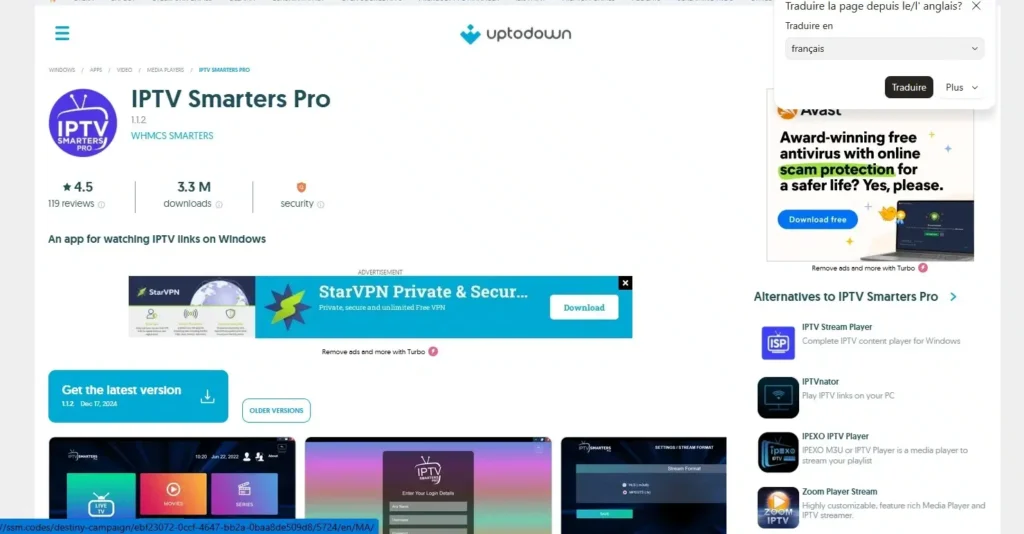
Choose the format that suits you best. For Windows, Xtream Code is one of the easiest and most recommended options.
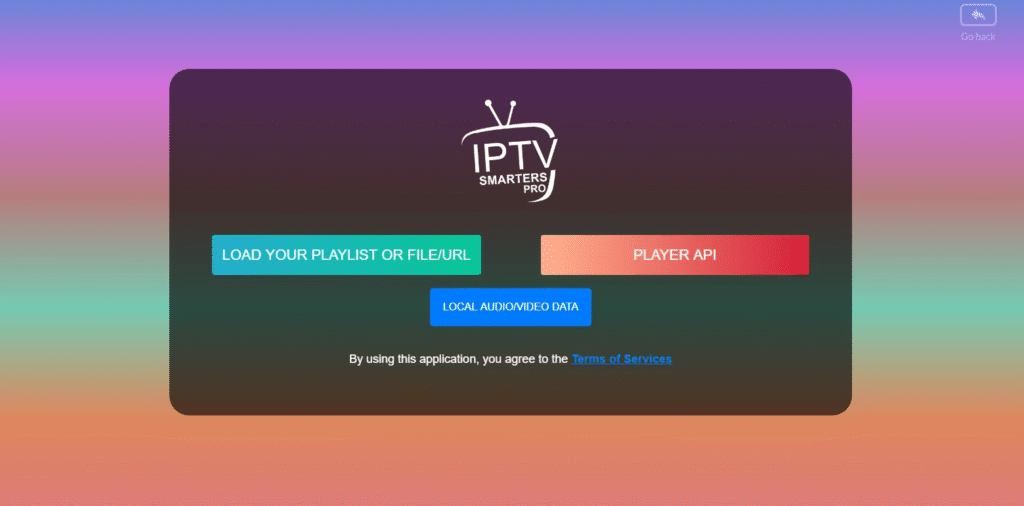
Next, enter the required details for Xtream Code: username, password, and server URL.
After that, add the playlist and wait a short time for the content to load.
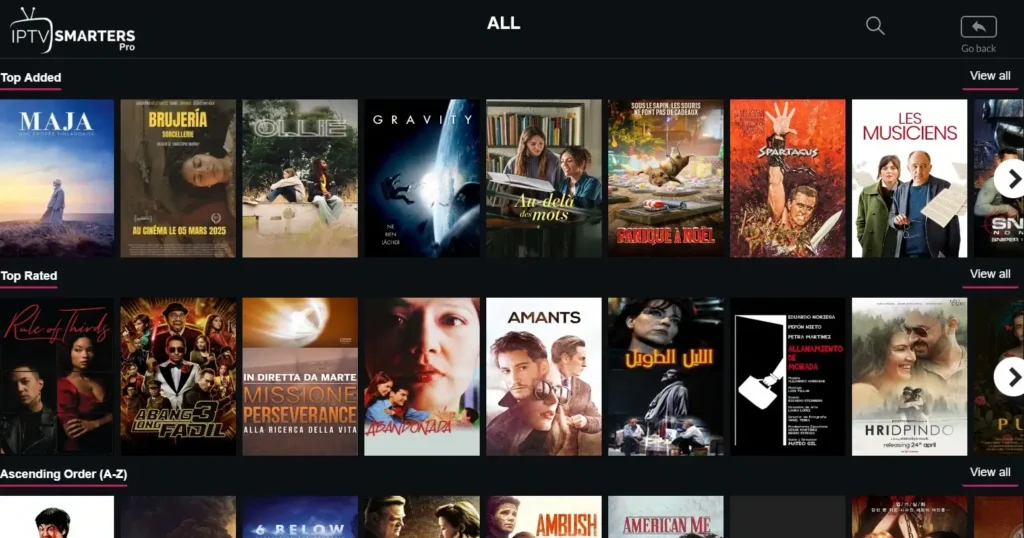
Once everything is ready, you can start watching your content comfortably.
Alternatives apps to IPTV Smarters pro :
IPTV Stream player :
IPTV Stream Player is ideal for anyone looking for an IPTV player that delivers smooth and reliable streaming on both Android and iPhone. The app supports M3U playlists, 4K content, subtitle and dual audio, global search, and parental control to lock inappropriate content. With multiple language support and a built-in speed test, it offers key features that make your streaming experience simple and enjoyable. Just add your playlist and start watching.
Pros :
- Supports 4K content and major video formats
- Built-in parental control to lock unwanted content
- Multiple language support
- Global search and favourites
- Available on Android and iPhone
- Built-in speed test tool
Cons :
- No built-in content included
- Requires your own IPTV subscription
- Limited customer support
- Performance depends on internet connection

IPTV Stream player
VLC :
VLC Media Player is a free, open-source multimedia player trusted by millions worldwide. Whether you are looking for an IPTV service or simply want to play local files, VLC can deliver it all without installing extra codecs. It also supports multiple screens and offers a fully customizable interface to personalize your viewing experience. Compatible with Windows, Mac, and Android, this version handles virtually every file format with ease.
Pros :
- Completely free and open-source
- Plays almost any multimedia format
- No extra codecs needed
- Fully customizable interface
- Works on Windows, Mac, and Android
- Can play corrupted or incomplete files
Cons :
- Interface looks outdated
- Mobile version has fewer features
- No built-in content or channels
- No dedicated customer support

VLC
Kodi :
Kodi is a powerful open-source platform built for those who want total integration of all their entertainment in one place. With technology that supports M3U, 4K, 8K, subtitles, and multiple audio tracks, it delivers a professional streaming experience. The app supports M3U playlists, live TV channels, and smart library organization. Privacy settings and helpful add-ons allow you to choose exactly how you want to consume your content, making it a truly customizable home entertainment center.
Pros :
- Supports virtually every multimedia format
- Smart library system with metadata and cover art
- Highly customizable through add-ons
- Supports live TV channels and M3U playlists
- Available on multiple devices and platforms
- Completely free and open-source
Cons :
- Setup can be complex for beginners
- Requires time to configure properly
- Add-on quality varies greatly
- No official customer support
- Privacy concerns with some third-party add-ons

Kodi
Conclusion :
In conclusion, our team aimed to provide a complete overview of IPTV Smarters Pro, highlighting the main information you may need before trying the app, while also sharing our opinion on its overall performance and user experience. We hope this article has helped you form a clear idea about the application, and we invite you to share your thoughts and experience in the comments.
