If you want to try the Zen app, this article is made for you. We will provide a complete review of the application, explain how to use it, and share our opinion on its overall experience, features, and usability so you can better decide whether it suits your streaming needs.
Table of Contents
What is Zen IPTV Player?
Zen is an IPTV player designed to display streaming content clearly on your device or TV. It supports playlist integration via an M3U link, allowing users to easily load data and organise their content. This player helps make access to live channels and other media smoother and more practical for everyday use.
Pros :
- Clean and modern interface with smooth navigation
- Supports 4K, HDR, and Dolby Vision
- Includes EPG (TV guide) for a better viewing experience
- Multi-language subtitles and audio support
- Picture-in-Picture feature available
- Automatically groups SD, HD, and FHD versions
- Sync across multiple devices with one account
- Allows favourites and resume playback
Cons :
- It does not include built-in channels, films, or series
- Users need to add their own IPTV source or playlist
- Some advanced options are only available through Zen Access

Zen IPTV Player
My experience
IOS :
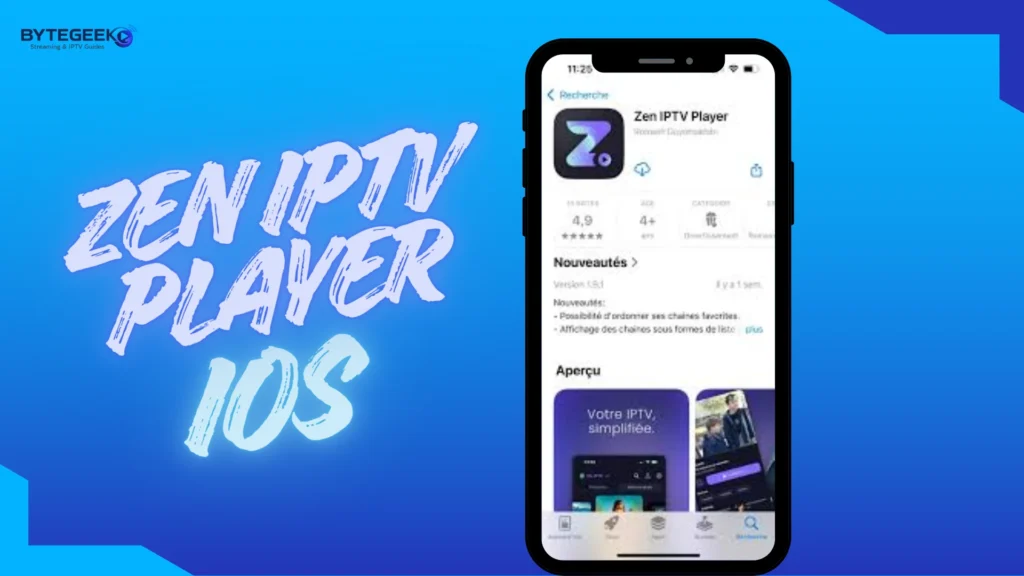
To try the app on iOS, we first download it from the App Store.
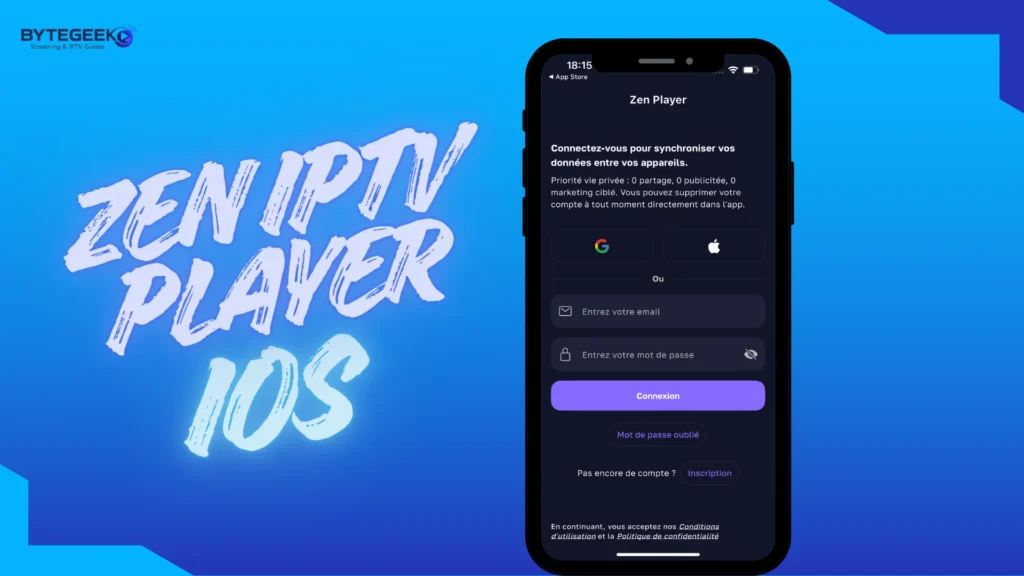
After opening the app, we need to sign in with an account to access and use it.
Once this step is completed, the app suggests adding a playlist.
Next, we fill in the Xtream Code details by entering the username, password, and server URL provided by the IPTV supplier.
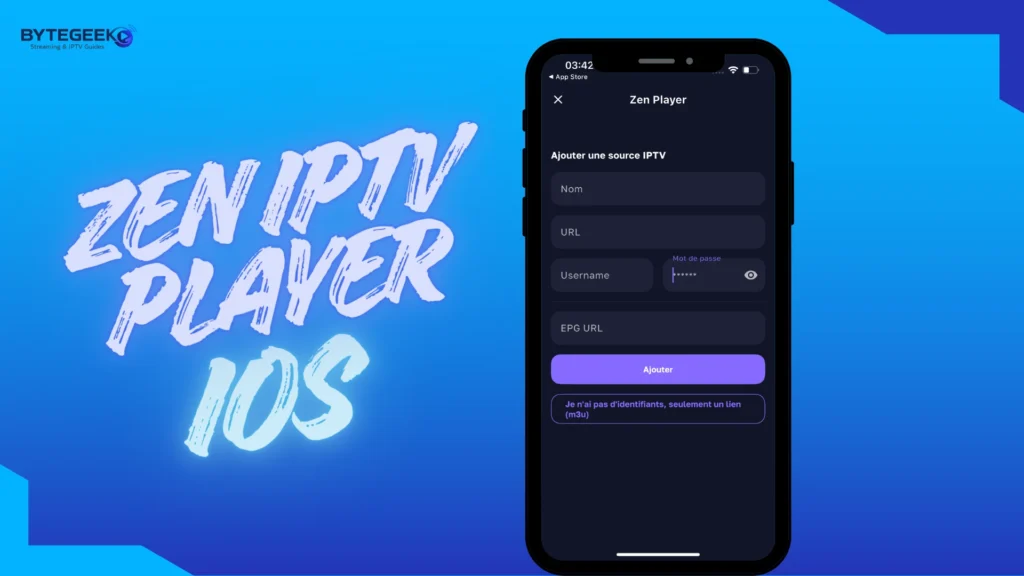
After that, we add the playlist and wait a little for the content to load through the app.
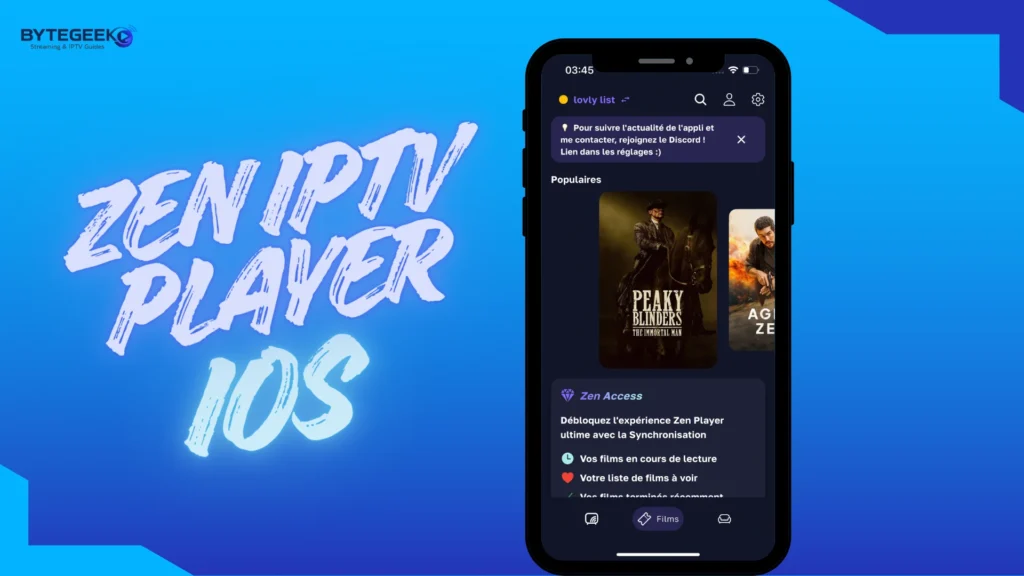
Windows
For Windows devices, we download the app from the Microsoft Store. Overall, the experience is simple and easy to follow, making the application practical for users who want a quick setup and smooth access to their content.
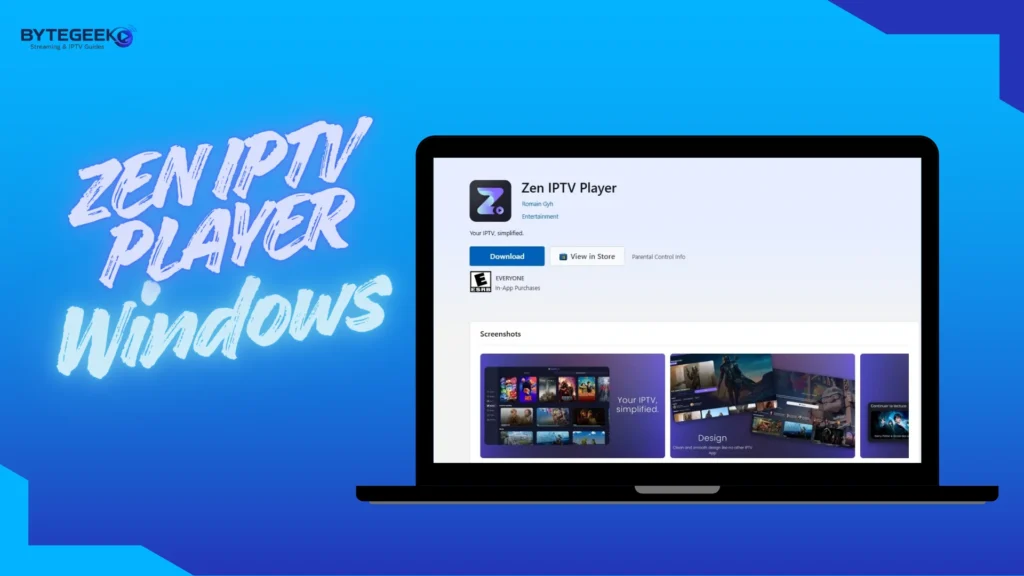
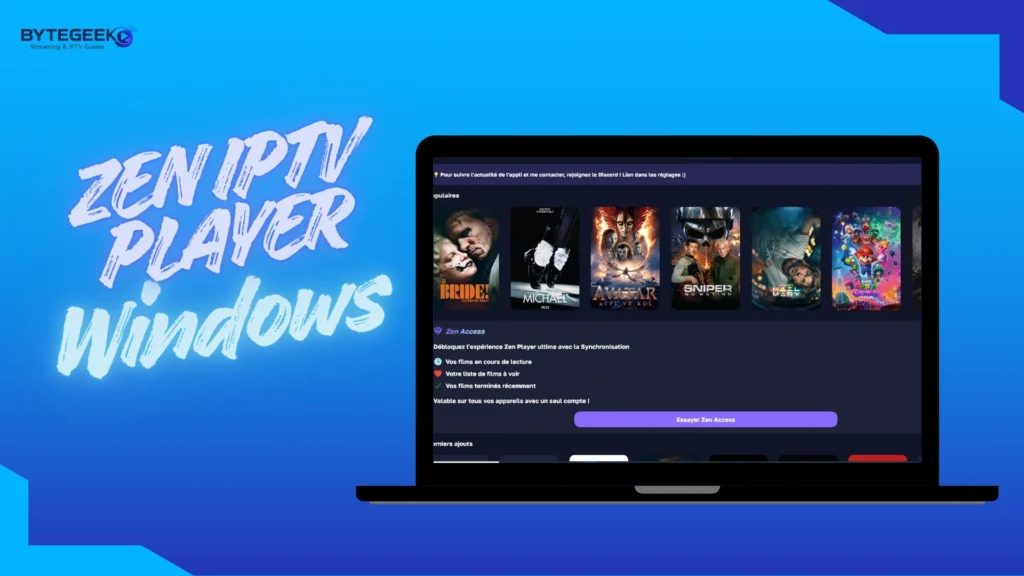
When we download and open the app, a QR code appears on the main screen. We need to scan it using another phone where the app is already installed, and the playlist has already been added.
Once the QR code is scanned on the Windows device, we are taken directly to the playlist already set up on the mobile phone.
The same steps apply on the phone: download the app, open it, enter the required details, add the playlist, and start watching.
Main Features of Zen IPTV Player :
- Clean and modern interface that is easy to navigate
- Supports live TV, movies, and series through external playlists
- Works with M3U links and other compatible sources
- Includes EPG support for viewing programme schedules
- Offers features like favourites, resume playback, and content organisation
- Supports high-quality playback, including 4K on compatible content
- May include extras such as subtitles, audio options, and multi-device sync, depending on the version
Alternative apps
IPTV Stream player :
IPTV Stream Player is considered one of the best and most widely used players thanks to its ease of use and smooth performance. It supports multiple video formats, 4K content, subtitles, and dual audio, offering a flexible viewing experience. With features such as global search, favourites, parental controls, and a speed test, users can easily manage their playlists. However, it is a player-only device that requires an external IPTV source.
Pros :
- Easy to use, even for beginners
- Supports many video formats
- Plays 4K content
- Includes subtitles and dual audio
- Has useful extras like search, favourites, and parental control
- Offers speed test and multiple language support
Cons :
- You need your own IPTV playlist to use it
- The experience can vary depending on your provider
- Some users may find the interface quite simple

IPTV Stream player
IPTV Smarters Pro
IPTV Smarters Pro is a popular app for streaming IPTV links on Android devices. It allows users to watch live TV and on-demand content from different countries, organise channels, and mark favourites for quick access. The app supports M3U files or login credentials (username, password, and URL). Key features include multi-screen viewing, playback from the beginning, customizable aspect ratio, full-screen mode, audio selection, and an easy-to-use interface for seamless entertainment anytime, anywhere.
Pros :
- Easy to use on Android
- Supports live TV and on-demand content
- Channels can be sorted by country
- Favourites make access quicker
- Supports M3U files and URL login
- Includes useful playback controls
- Offers multi-screen and catch-up features
Cons :
- Needs external IPTV details to work
- Performance depends on the provider
- Some options need to be set up first

IPTV Smarters Pro
Tivimate
TiviMate is a practical IPTV player designed for users who want a clean, organised way to watch their content. It does not include any channels itself, but it works well with M3U files or server login details provided by your IPTV service. The app also shows programme information and, if supported, on-demand content. Its premium version adds useful extras like recording, multiple playlists, bookmarks, and catch-up viewing.
Pros :
- Clean and organised interface
- Easy to use with M3U or server login
- Shows programme information clearly
- Supports on-demand content if available
- The premium version adds useful advanced features
- Good option for regular IPTV users
Cons :
- Android only!
- Does not include channels by default
- Requires an external IPTV source
- Some important features are only in the premium version

Tivimate
Conclusion
In this article, we tried to provide you with all the information and a complete guide you may need for your experience with the app. We also shared our opinion and explained how to use it across different devices, including Windows, Android, and iOS. We hope this guide was helpful.
Don’t forget to share your experience and feedback in the comments.
