
If you are looking for an effective IPTV app that works well across different systems, this article is for you. We will share our opinion about IPTV Extreme and provide a clear guide on how to use it. Stay with us to discover more useful details about the app.
Easy navigation
what is IPTV extreme ?
IPTV Extreme is an iptv player app that lets you add a playlist or multiple playlists to watch live TV and other content. The application has a smart design, group feature, pro version, and regular update support from the developer. You can download it and start using it easily. The user is responsible for legal compliance, privacy, data, and information practices may vary depending on the content provider.
How to Install IPTV EXTREME
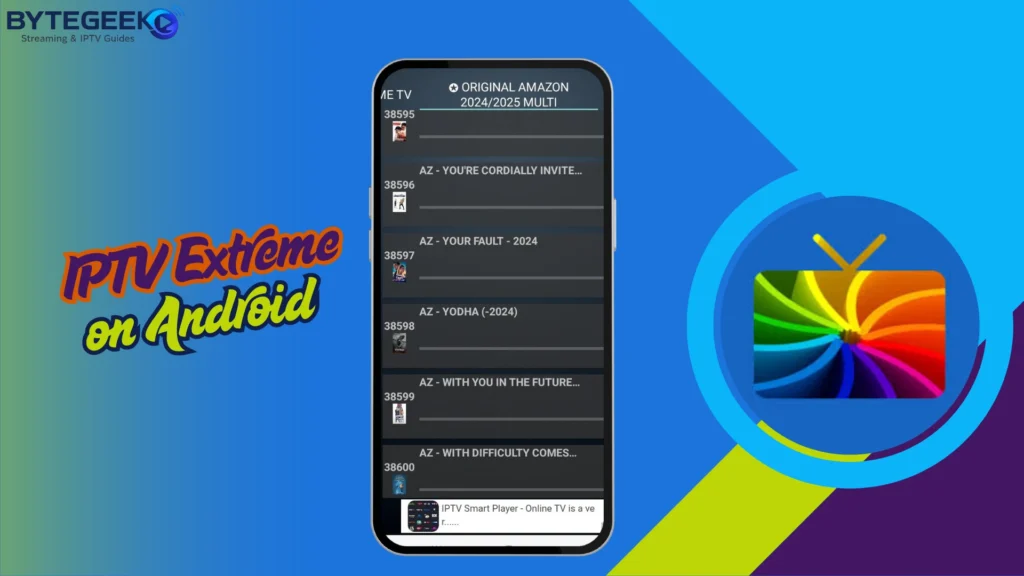
Installing IPTV Extreme on Android
How to use IPTV Extreme on Android with Xtream Codes:
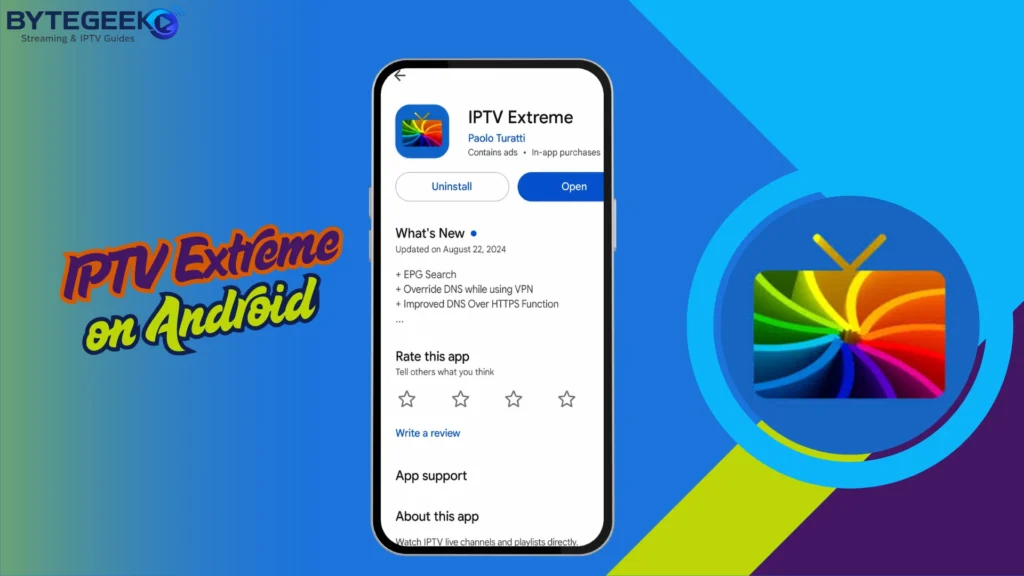
- Download IPTV Extreme from Google Play and launch the app on your Android device.
2. Open the menu, then choose the option to add a new playlist or account.
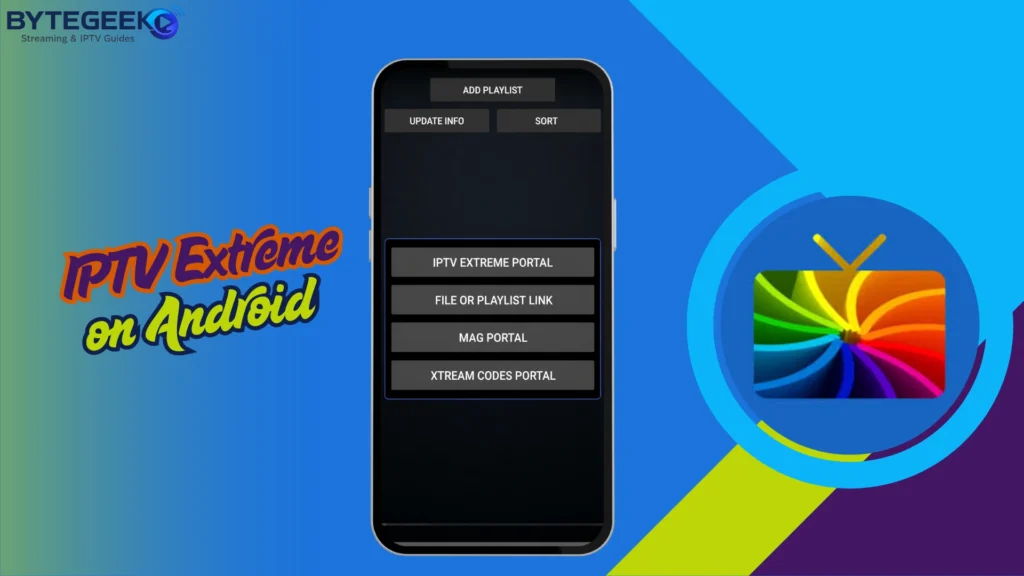
3. Select Xtream Codes and fill in the details provided by your IPTV provider: username, password, and server URL.
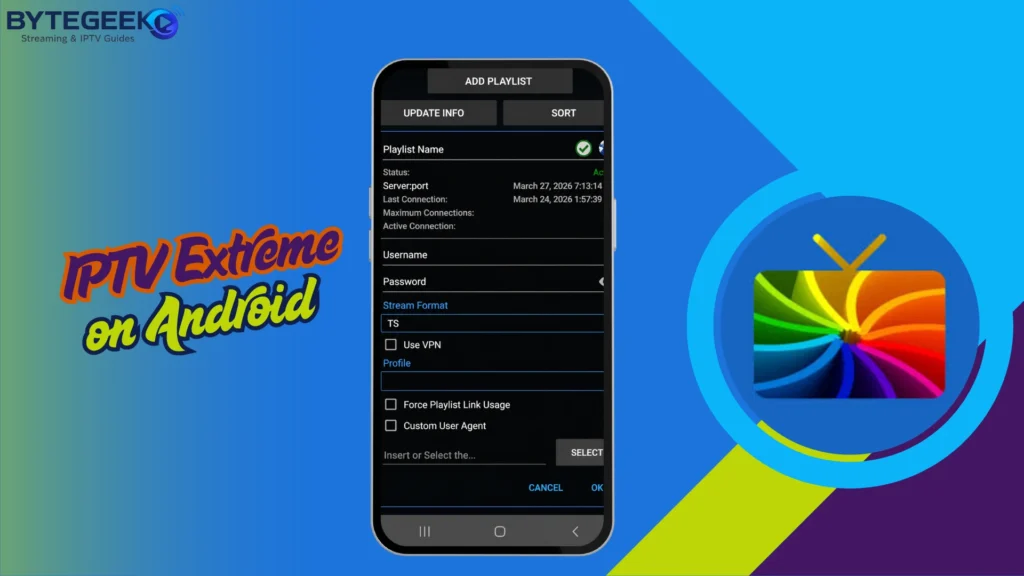
4. Confirm the setup and give the app a moment to load your channels, movies, and series. Once the list appears, you can start watching normally.
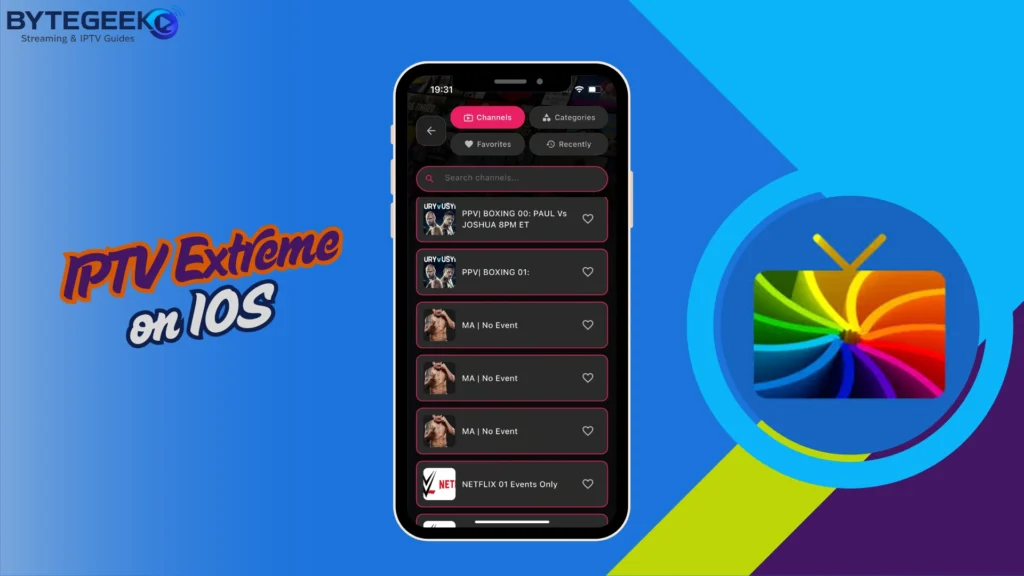
Installing IPTV extreme on IOS
How to use IPTV Extreme on iOS with M3U:
- Download IPTV Extreme from the App Store and open it on your iPhone or iPad.
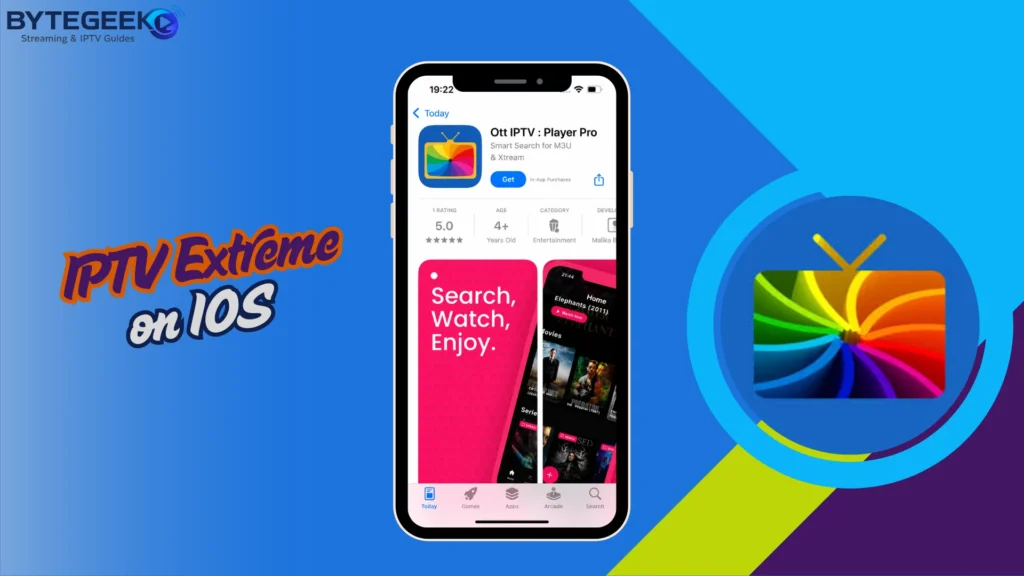
2. Go to the playlist area and tap the option to add a new list.
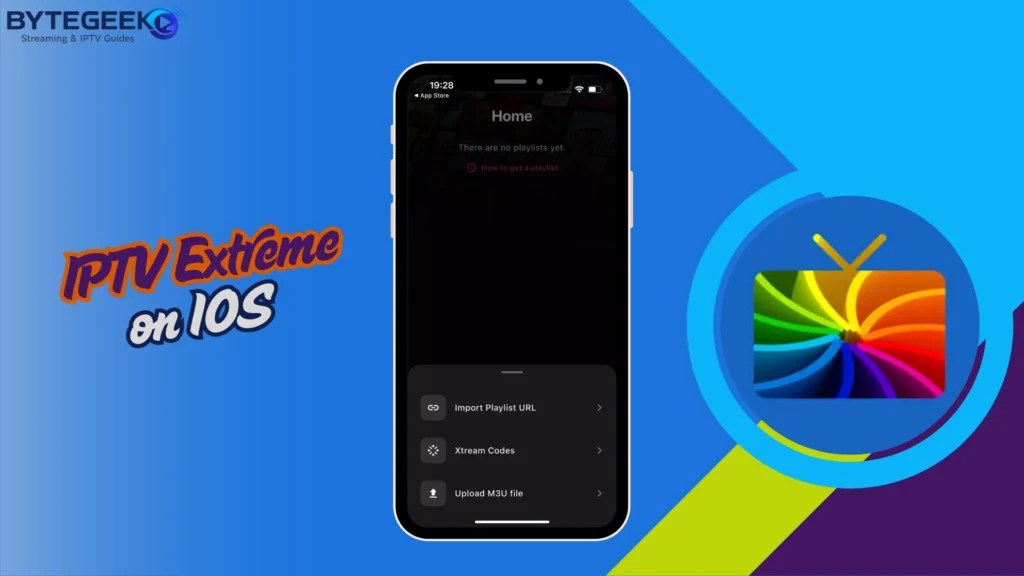
3. Choose M3U, give your playlist a name, then paste the M3U link provided by your IPTV provider.
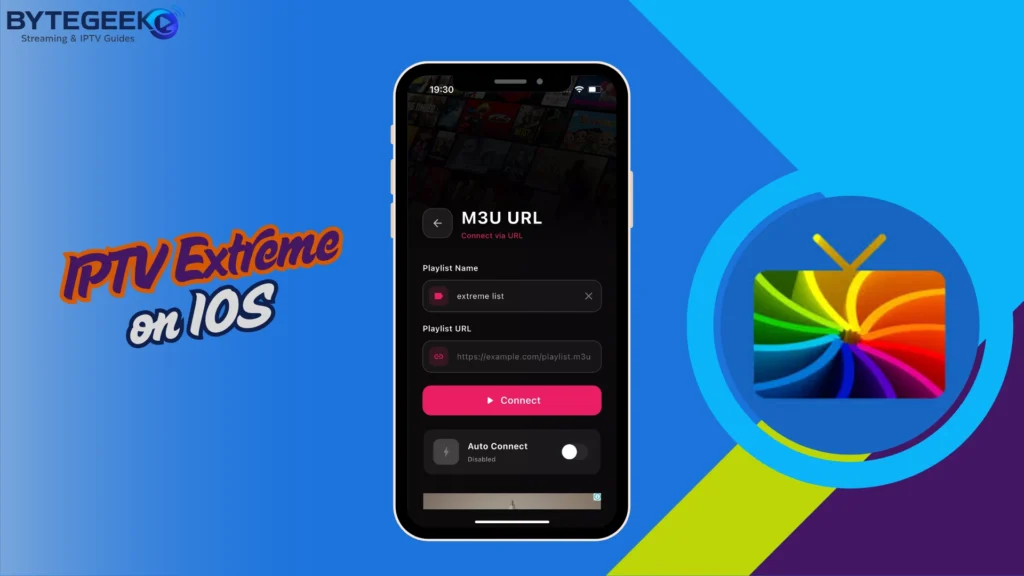
4. Save the playlist and wait a little while for the channels, films, and series to load. Once everything appears, you can start watching.
Alternative Apps to IPTV Extreme :
IPTV Smarters pro :
IPTV Smarters Pro is a good choice if you want one app that keeps everything organised and easy to use. It supports Xtream Codes API and M3U playlists so that you can add your IPTV subscription without too much effort. The app also includes useful options such as Chromecast, EPG, picture-in-picture mode, and parental controls. Its interface feels clear on both mobile screens and TV devices, which makes navigation more comfortable. Just a reminder: the app doesn’t provide channels or content; you’ll need to add your own playlist.
Pros :
- Supports M3U and Xtream Codes.
- Clean and easy interface.
- Includes EPG support.
- Works with Chromecast.
- Offers parental control options.
- Good for live TV and VOD.
Cons :
- Performance depends on the IPTV provider.
- Setup can confuse beginners.
- Occasional bugs after updates.

IPTV Smarters pro
Gse smart IPTV :
GSE Smart IPTV is one of those IPTV players that many users trust because it is flexible and works with different types of streams. It can handle live TV, VOD, movies, series, and catch-up content, depending on the playlist you add. The app also supports several streaming formats and protocols, which makes it practical if you use different sources. With features like 4K playback support, Chromecast, recording, and hardware acceleration, it offers a complete experience without feeling too complicated.
Pros :
- Supports many playlist formats.
- Works with M3U links.
- Supports live TV and VOD.
- Chromecast support available.
- Good compatibility across devices.
- Useful advanced playback options.
Cons :
- Interface feels slightly outdated.
- Setup may take more time.

Gse smart IPTV
XP IPTV :
XP IPTV keeps the experience simple and direct, which is why many Android users like it. You can add your content through Xtream Codes API or M3U playlists, then enjoy live TV, movies, or series through a clean and easy interface. It also includes Chromecast, an EPG guide, picture-in-picture mode, and parental controls. The app is designed to work smoothly with touch controls and remote navigation, but like most IPTV players, it does not include its own content.
Pros :
- Simple and modern design.
- Supports Xtream Codes and M3U.
- Easy playlist setup.
- Includes EPG TV guide.
- Supports picture-in-picture mode.
- Good for Android users.
Cons :
- No built-in content included.
- Limited advanced customisation.
- Buffering with weak IPTV servers.
- Experience varies by Android device.

XP IPTV
Conclusion :
Our team has tried to provide a complete experience of IPTV Extreme, including useful information about the app, how to use it, and some similar alternatives. We hope this article has helped you, and do not forget to share your own experience with us in the comments.
FAQ :
How does IPTV Extreme handle user data and privacy?
IPTV Extreme’s data practices depend on the app version and platform. Users should always check the privacy section before downloading. In general, avoid adding sensitive information and only use trusted playlists, as external IPTV sources may have their own privacy risks.
Is IPTV Extreme a legal IPTV player?
IPTV Extreme is mainly a playlist manager, and the app itself does not provide channels. Its legality depends on how users use it. Watching authorised content is legal, but adding playlists that contain copyrighted channels without permission may break the law.
What should users know before adding a playlist to IPTV Extreme?
Before adding a playlist, users should make sure it comes from a legal and reliable provider. The app does not verify the content inside the list, so the user is responsible for checking quality, privacy, and legal compliance.
Does IPTV Extreme require an IPTV subscription to work?
Yes, IPTV Extreme needs a playlist or IPTV subscription to display content. The app does not include channels by default. Users must add their own M3U playlist or provider details before they can watch live TV or other content.
