If you enjoy using IPTV boxes and are looking for one that suits your needs, this article is for you. We will introduce you to the best IPTV boxes currently available on the market. Stay with us to discover more information.
Table of Contents
What Is an IPTV Box?
Simply put, it’s a small device that plugs into your television through an HDMI port. It allows users to watch live channels, films, TV series and entertainment programmes over the internet instead of using traditional broadcasting methods. This type of device runs on Android TV or a proprietary operating system and allows users to install IPTV applications and load playlists using M3U links or Xtream Codes.
The Best IPTV Boxes
Here are the best IPTV boxes.
Android 10 TV Box
The Android 10 TV Box runs on the Android 10 operating system and features a simple, smooth interface. It is powered by an Allwinner A618 processor and a Mali-G31 MP2 graphics processor. It offers 4 GB of RAM and 32 GB of internal storage. The device supports video playback in 1080p and 4K Ultra HD, Wi-Fi connectivity and a 100 Mbps Ethernet port. It also comes with a remote control that supports voice commands.
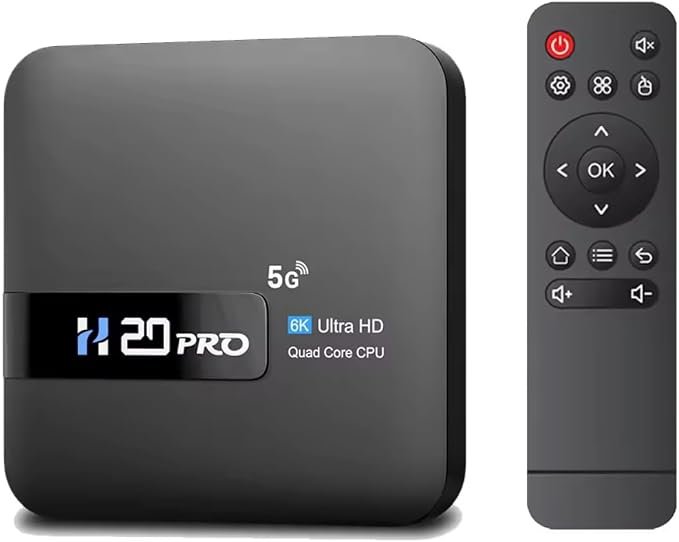
Android 10 TV Box
X96mini Smart TV Box
The X96 Mini runs on Android 7.1.2 and is powered by a quad-core Amlogic S905W processor. It also features a Mali-450MP graphics processor, 1 GB of RAM and 8 GB of eMMC internal storage. The device supports video playback in 1080p and 4K. It includes USB and Ethernet ports, as well as an AV output for connecting it to older televisions. It also allows users to download applications and games from the Google Play Store.
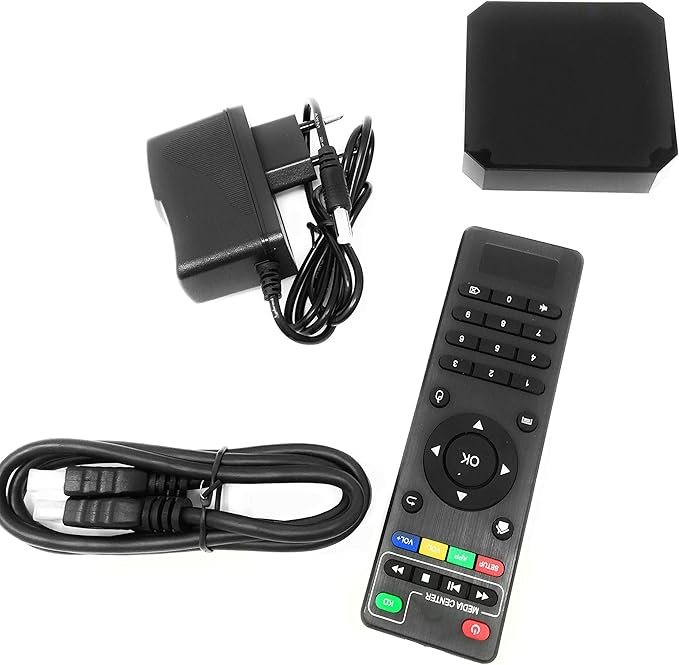
X96mini Smart TV Box
KP1 Android TV Box
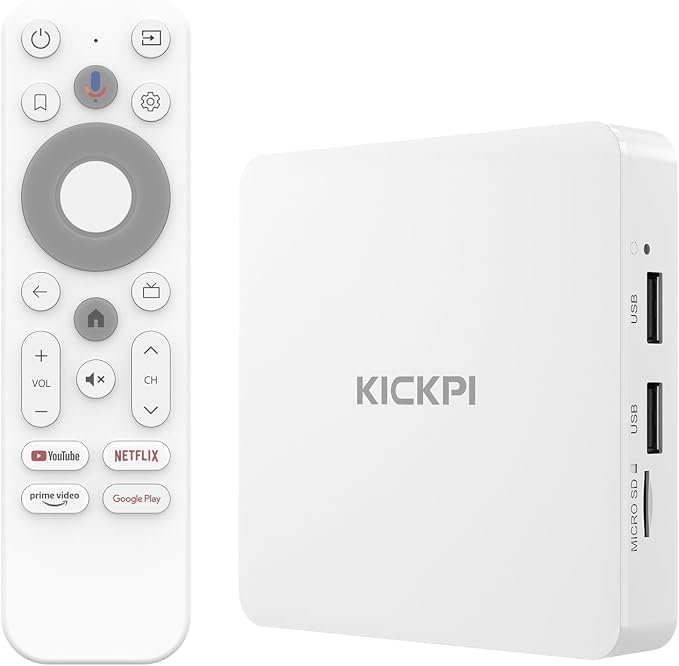
The KICKPI KP1 offers a range of features that make it a high-quality TV box. It supports applications such as Netflix, Prime Video, YouTube, Disney+, Apple TV and Google Play. It also supports content in 4K UHD and offers 2 GB of RAM and 16 GB of internal storage. The device is powered by an Amlogic S905Y4 processor and runs on Android TV 14. It features built-in Chromecast for casting content from a smartphone or computer and supports Dolby Audio and Dolby Digital Plus.
KP1 Android TV Box
Roku LE HD Streaming
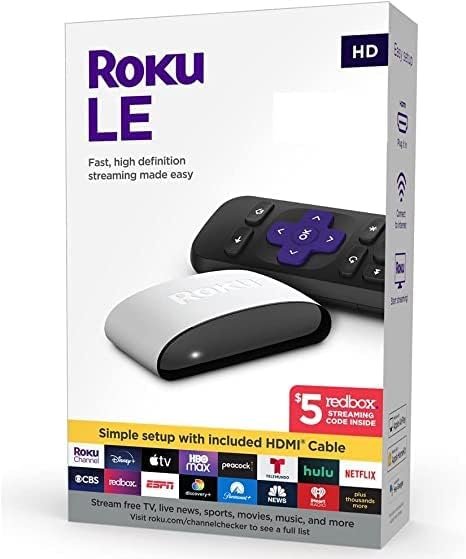
Roku LE HD is a streaming device designed for watching content in HD. It runs on Roku OS and features a simple, user-friendly interface. It supports Wi-Fi connectivity and provides access to various applications, including Netflix, Prime Video, Disney+ and YouTube. The device connects to a television through an HDMI port and includes a remote control. It is also easy to set up and features a compact, lightweight design.
Roku LE HD Streaming
NVIDIA SHIELD Android TV Pro
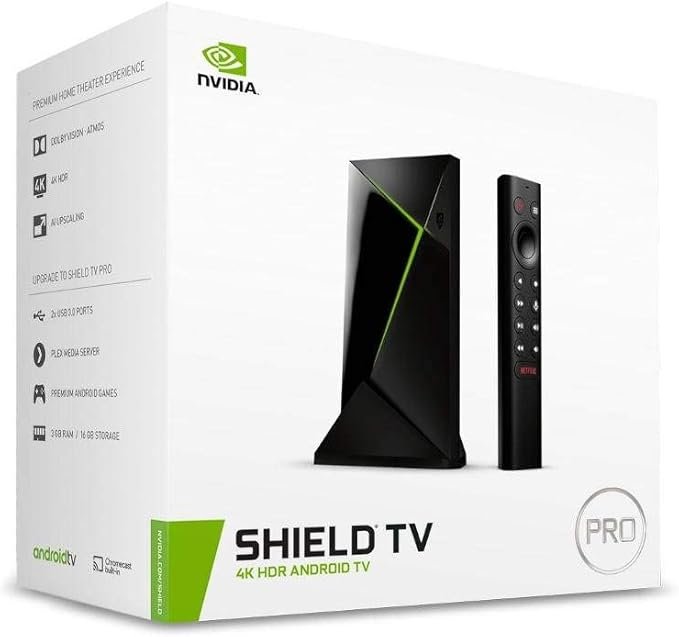
The NVIDIA Shield TV Pro runs on Android TV 11 and is powered by an NVIDIA Tegra X1+ processor with a 256-core GPU. It offers 3 GB of RAM and 16 GB of internal storage and supports 4K HDR video playback at 60 frames per second. The device supports Dolby Vision HDR, HDR10, Dolby Atmos, Dolby Digital Plus and DTS:X. It also features built-in Chromecast 4K and supports Wi-Fi, Bluetooth and Gigabit Ethernet connectivity. In addition, it includes a built-in Plex Media Server and supports cloud gaming through NVIDIA GeForce NOW, as well as games from the Google Play Store.
NVIDIA SHIELD Android TV Pro
Android 13.0 TV Box
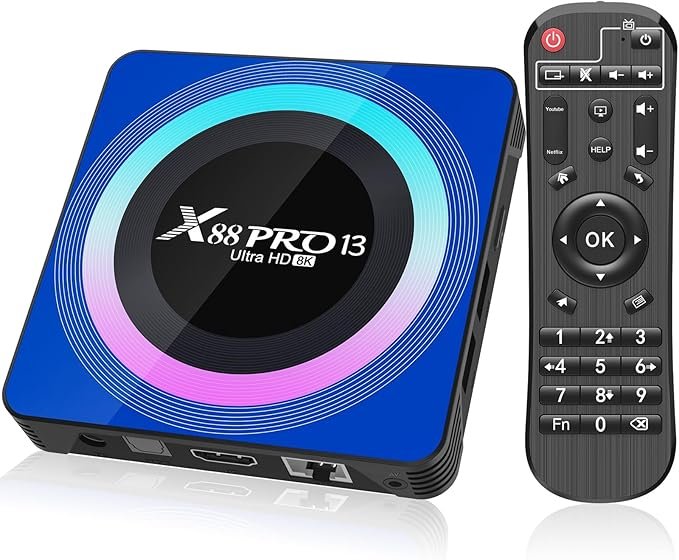
Android TV box offers a generous 128 GB of internal storage and 4 GB of RAM. It features a Mali-450 MP2 graphics processor and is powered by a quad-core RK3528 Cortex-A53 processor. It supports Bluetooth and Wi-Fi connectivity and includes an HDMI 2.0 port, a USB 3.0 port and a USB 2.0 port. It also features an optical SPDIF audio output, supports MicroSD cards and is compatible with applications such as Kodi and Netflix.
Android 13.0 TV Box
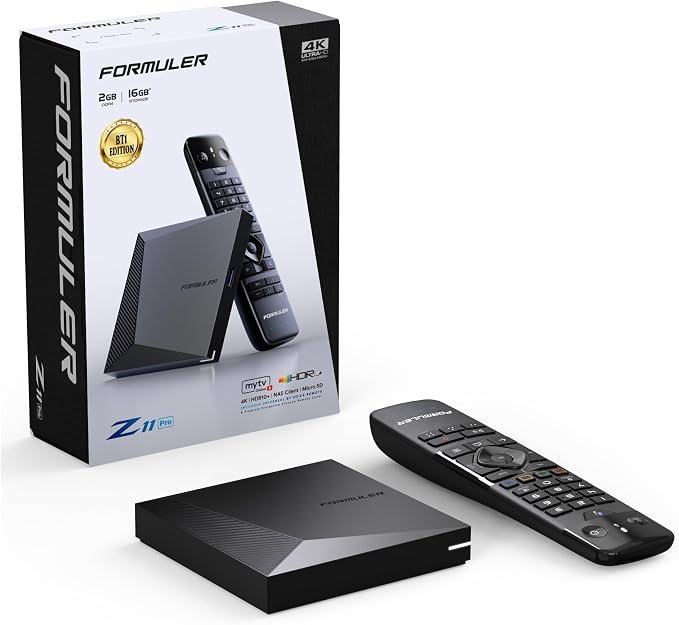
Formuler Z11 Pro BT1
Formuler Z11 Pro is one of the best TV boxes available, offering a wide range of useful features. It provides 16 GB of internal storage and supports 4K content at resolutions of up to 3840 × 2160 pixels. It also supports H.264 and H.265/HEVC video formats and includes the MYTVOnline3 application for managing and playing IPTV services. The device supports Wi-Fi and provides a wired connection through Gigabit Ethernet. It comes with a GTV-BT1 Bluetooth remote control and features a compact, user-friendly design.
Formuler Z11 Pro BT1
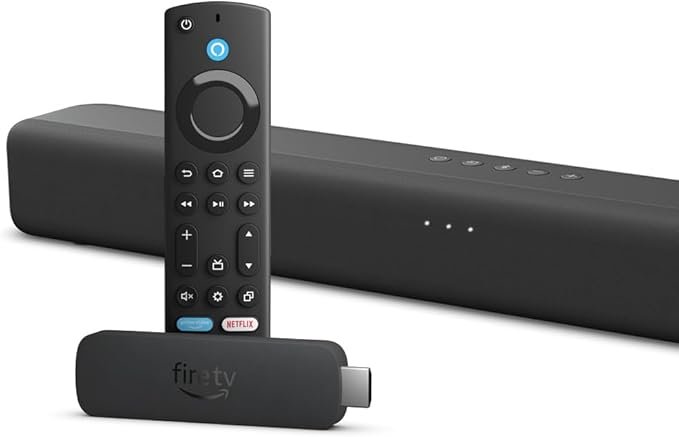
Amazon Fire TV Stick 4K Max
Amazon Fire TV Stick 4K Max bundle includes a Fire TV Soundbar with two speakers that deliver fuller sound, clearer dialogue and deeper bass. The soundbar supports Dolby Audio and DTS Virtual:X and connects to a television through an HDMI eARC/ARC port. It also supports Bluetooth for streaming audio from a smartphone or tablet. The Fire TV Stick provides access to applications such as Netflix, Prime Video, YouTube and Disney+. It comes with an enhanced voice remote that supports Alexa, offers 16 GB of internal storage and supports Wi-Fi 6E.
Amazon Fire TV Stick 4K Max
How to Choose the Best IPTV Box
We choose the best IPTV box by considering the following factors:
- Compatibility with IPTV applications.
- A powerful processor for fast and smooth navigation.
- Sufficient RAM and internal storage.
- Support for high-quality streaming in 1080p and 4K.
- Support for Wi-Fi and Ethernet connectivity.
- Availability of HDMI and USB ports and a MicroSD card slot.
How to Set Up an IPTV Box :
To set up and install an IPTV box, follow these steps:
- Connect the device to your television using an HDMI cable.
- Turn on the device.
- Connect the device to the internet through Wi-Fi or an Ethernet cable.
- Download an IPTV application that is compatible with the device from the official app store.
- Open the application and enter your IPTV details or Xtream Codes credentials.
- Load the playlist and wait for the content and Electronic Programme Guide (EPG) to appear.
- Once the content has loaded, adjust the settings and start watching.
Conclusion :
In this article, our team has introduced several IPTV boxes that provide a high-quality content viewing experience. We hope you found the information useful and discovered the right box for your needs. Do not forget to share your opinions and experiences with us in the comments.
