If you are looking to try the Smarters Player Lite app on your device, this article is made for you. We will provide all the essential information you need to get started and enjoy a smooth experience. Stay with us to explore more useful tips and details about this application.
Table of Contents
Smarters Player Lite Review ?
Smarters Player Lite app is a powerful IPTV media player offering a seamless, high-quality viewing experience on iPhone and Android and Windows . Download Smarters from the App Store to access playlists via Xtream or supports M3U and JSON format. This user-friendly interface lets users manage content, stream TV channels, and enjoy video playback with premium features. Verified by Apple, this reliable player lite app ensures legal use, excellent performance, and full accessibility for entertainment.
Pros :
- User-friendly interface
- Supports M3U, JSON, and Xtream playlists
- Smooth, high-quality video playback
- Works with local and remote sources
- Customisable settings for a better viewing experience
- Suitable for live streaming, VOD, and audio playback
Cons :
- Does not provide any content or TV channels
- Users must add and manage their own playlists
- Some premium features may require purchase
- Availability may depend on device or version

Smarters Player Lite
My experience :
IOS :
To try Smarters Player Lite on an iOS device, we first download the app from the App Store.
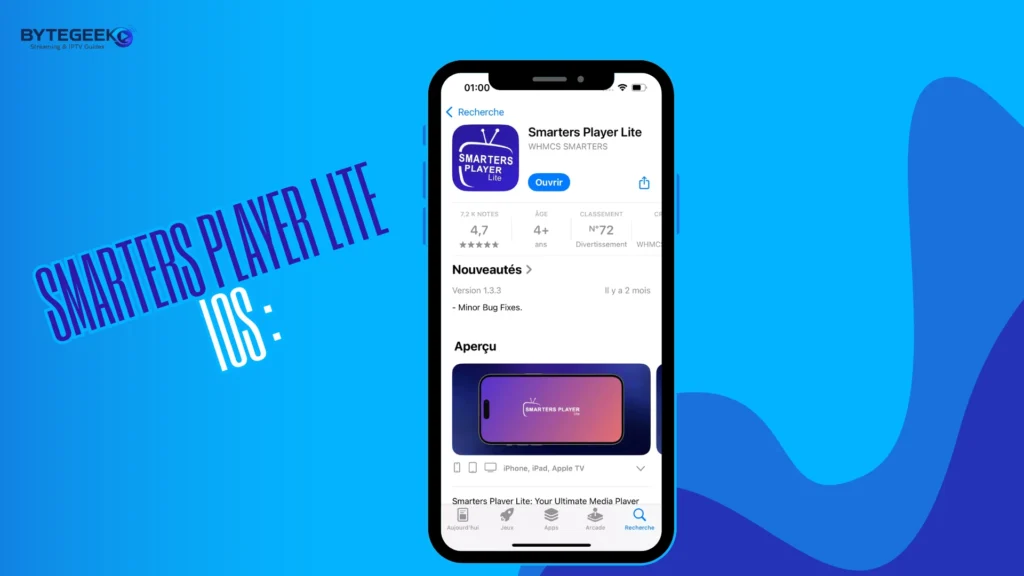
After downloading and opening the app, the main interface shows the available formats suggested by the application for adding a playlist.
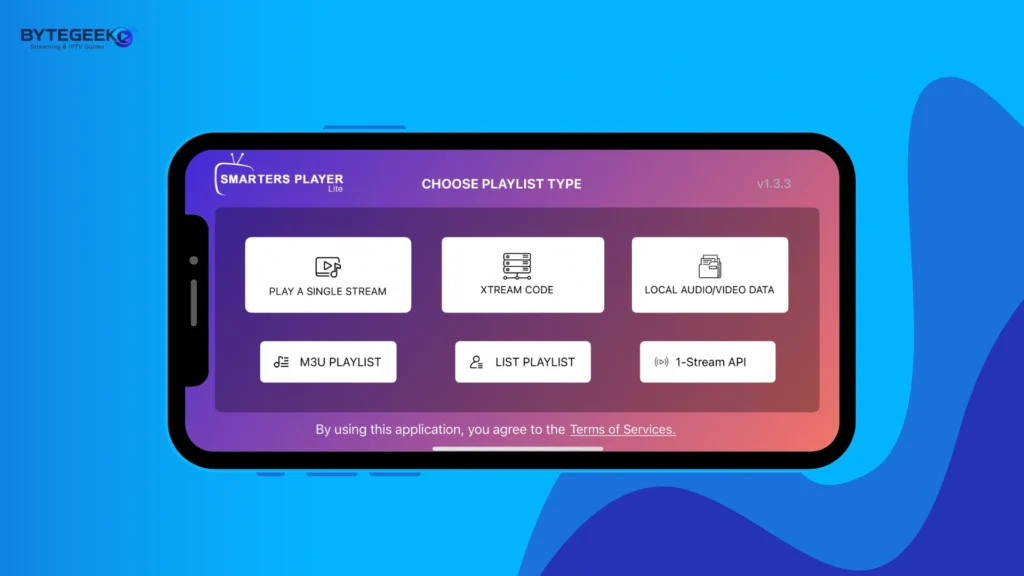
We then choose the format that suits us best.
If we add a playlist using the M3U format, we copy the required details, enter a playlist name, and paste the server URL.
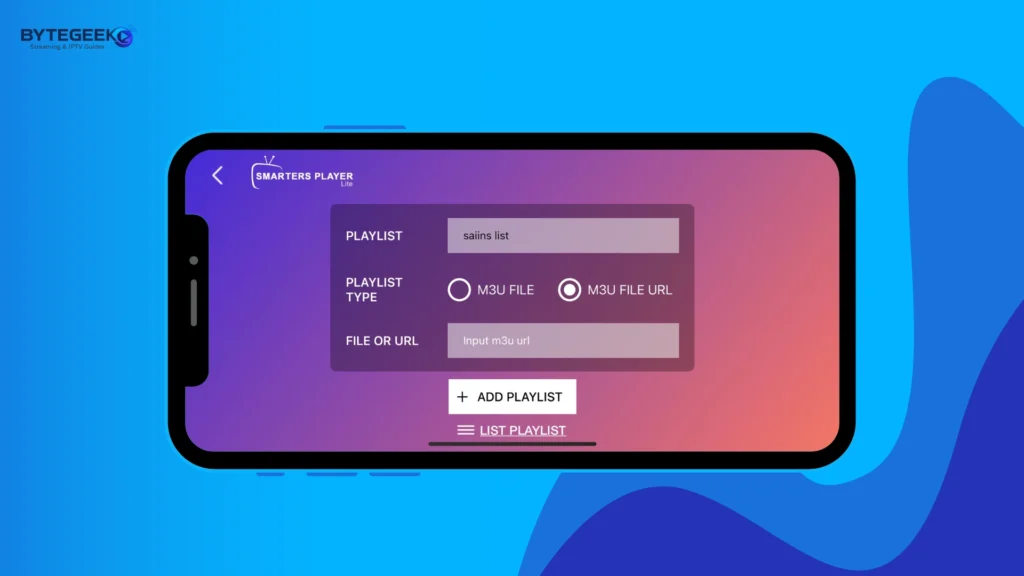
After adding the playlist, we wait a short time for the content to load in the app.
Once the content has loaded, you can start watching comfortably.
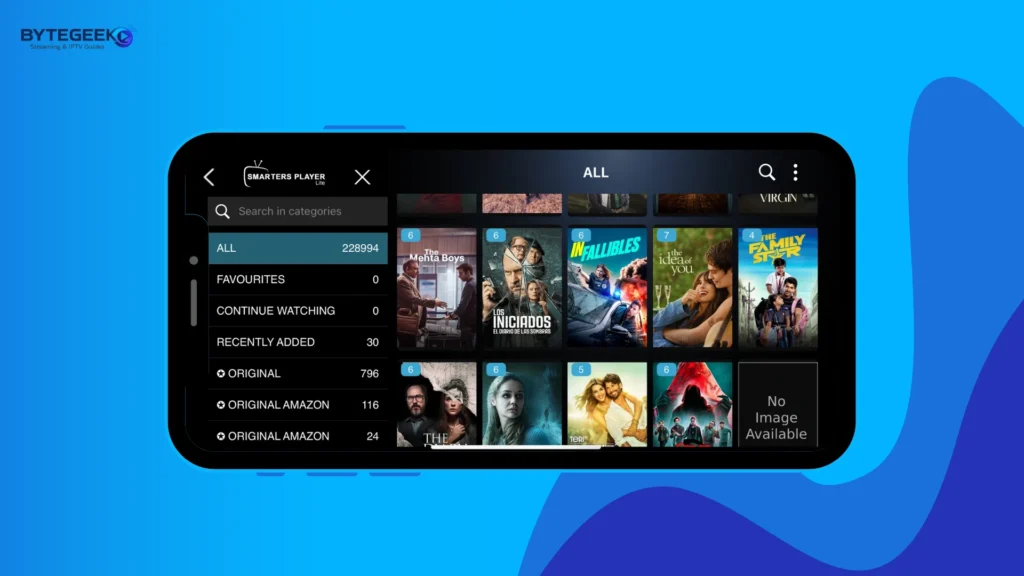
Windows :
To try Smarters Player Lite on Windows, we first download the app from the Microsoft Store.
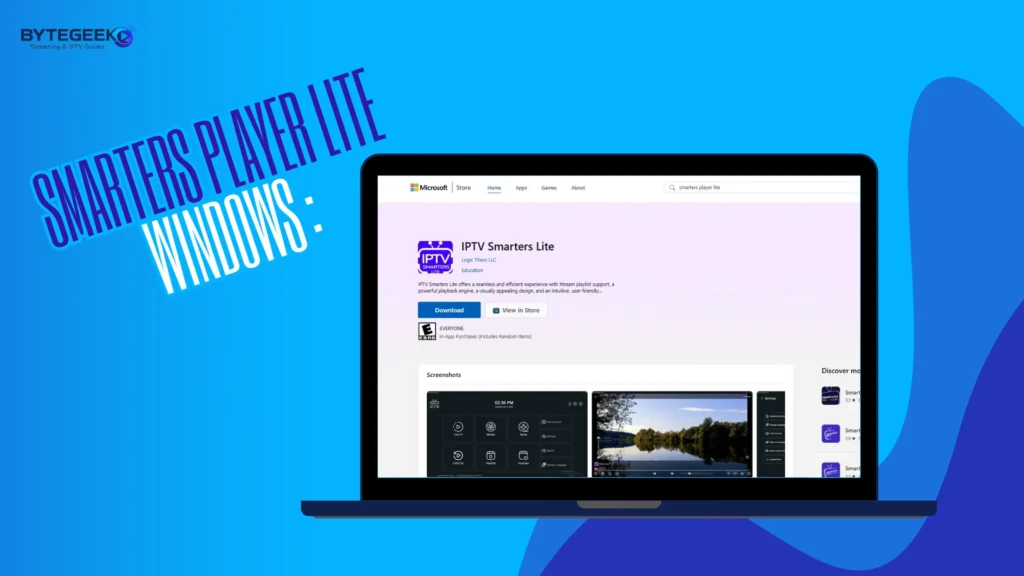
After that, we open the app. On the main screen, the MAC address information will appear, which you will need to log in through the app’s official website.
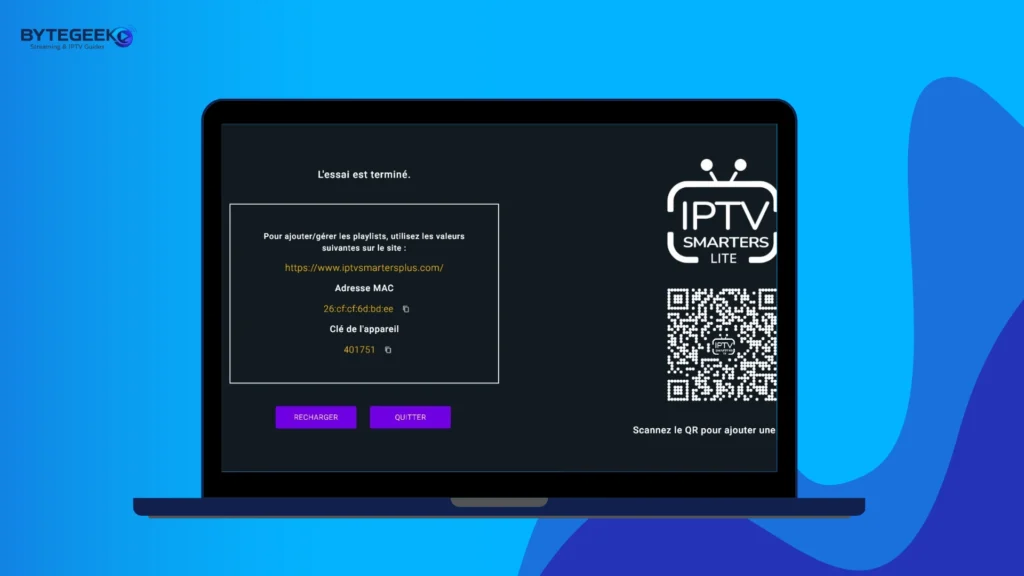
Once logged in, we choose the playlist format that suits us. You may notice that the website is in Arabic, so you can look for the language change option if needed.
Next, we select the M3U format and enter the required details provided by the service provider, such as the playlist name and the server URL
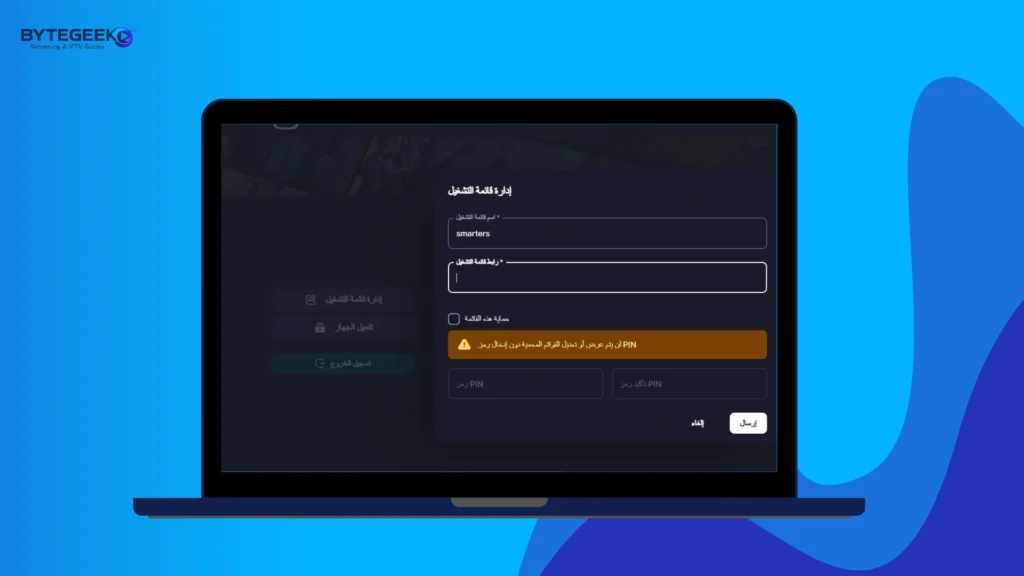
After adding the playlist, we wait a little for the content to load inside the app.
Once everything is loaded, you can start watching your favourite programmes comfortably.
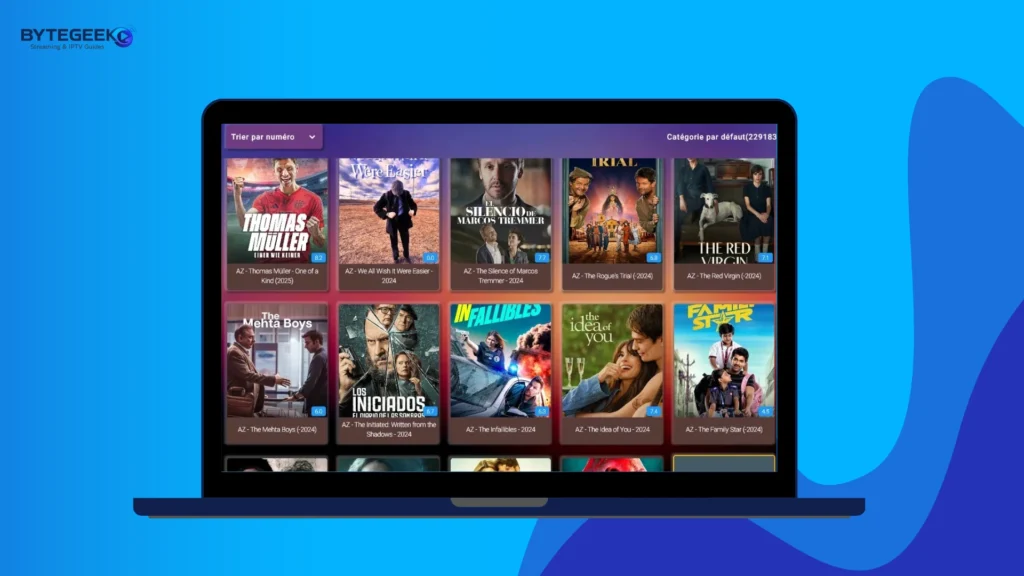
Android :
For Android devices, the app is available on the Play Store. We downloaded it to test it, but we were unable to complete the experience because of the excessive ads, which kept appearing repeatedly and made the app difficult to use.
Alternative apps to Smarters Player Lite
Televizo :
Televizo IPTV Player is an advanced media player for Android .designed to stream national and international TV channels with ease. Simply load your M3U playlist via file or URL and enjoy unlimited entertainment. The app supports multiple playlists, making it ideal for users with several subscriptions. With a complete parental control feature, full ratings and reviews from users, and regular version history updates, Televizo guarantees a safe, smooth, and highly customizable streaming experience for the whole family.
Pros :
- Free to download and incredibly easy to get started with
- Supports multiple playlists perfect for users with several subscriptions
- Load playlists via file or direct URL in just a few seconds
- Full parental control to keep your kids away from inappropriate content
- Works with a wide range of streaming services and formats
Cons :
- Android only, no iOS support
- No built-in content included
- Requires your own IPTV subscription
- Streaming quality depends on your provider

Televizo
Smarters Pro :
Smarters Pro stands out with its intuitive design and smooth playback experience on iPhone and iPad. The app lets users enter their own media content and customize settings with ease, while the EPG, category layout, and clear button and click option improve navigation. In the app privacy, what’s new, and user tips sections, users can explore more details. It does not host copyrighted material, films, or movie content, and reminds users to respect copyright.
Pros :
- Intuitive and user-friendly interface
- Smooth and high-quality playback
- Supports M3U and JSON playlists
- Easy to customise settings
- Includes EPG for better content navigation
- Works well on iPhone and iPad
Cons :
- Does not provide or host media content
- Users must add their own playlists
- Some options may require setup before use

Smarters Pro
VLC media player :
VLC is considered one of the best media players, offering an ultimate high-quality viewing experience. Developed by a trusted developer, it allows users to play almost any file format without extra tools. This player does not require an account to start, making access simple and fast. A helpful guide is available for beginners, and users can contact support if needed. By using VLC, you agree to its terms of use while enjoying reliable and flexible media playback.
Pros :
- Plays almost any video and audio format
- Free and open-source
- Simple and easy-to-use interface
- Works on Windows, MacOS, and Android
- No extra codecs needed
- Can play damaged or incomplete files
- Supports DVD, CD, and Bluray playback
Cons :
- Interface looks basic for some users
- Advanced settings may feel complex at first
- Not focused on IPTV-specific features like EPG

VLC media player
Conclusion :
In this article, our team aimed to provide all the key information about the Smarters Player Lite app. We also shared our opinion on its overall experience and features. We hope this article has been useful for you, and we invite you to share your opinion and feedback in the comments section below.
