If you are looking for our review on the Sparkle TV app, you are in the right place. In this article, you will find our comprehensive review of this application.
Table of Contents
What Is Sparkle TV?
Sparkle TV is a PVR-style TV media player that allows users to watch content in high quality. It is only a media player and does not provide any content, so users need to have their own subscription and add their IPTV details. The app is compatible with Android devices, Android TV, Google TV, and Fire TV Stick.
Sparkle TV Key Features
- Includes an IPTV programme guide (EPG).
- Supports multiple audio tracks.
- Supports subtitles.
- Supports the Timeshift feature.
- Includes a Multi-view feature.
- Offers parental controls to protect specific settings and restrict access.
- Supports multiple languages.
- Provides different themes for interface customisation.
- Includes a Sleep Timer feature.
Sparkle TV Compatibility
- Compatible with Android TV devices.
- Works on Google TV devices.
- Supports Amazon Fire TV and Fire TV Stick.
- Also compatible with Android devices.
- Can be downloaded from Google Play.
How to Install Sparkle TV
- To install Sparkle TV, first download it an official store such as Google Play or another trusted official app store.
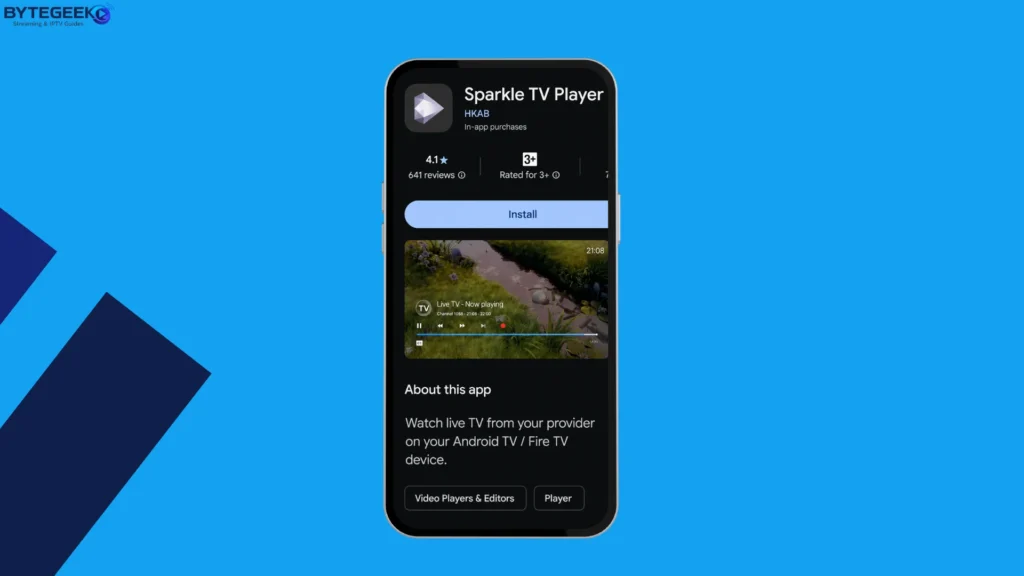
- Once the app has been downloaded, open it.
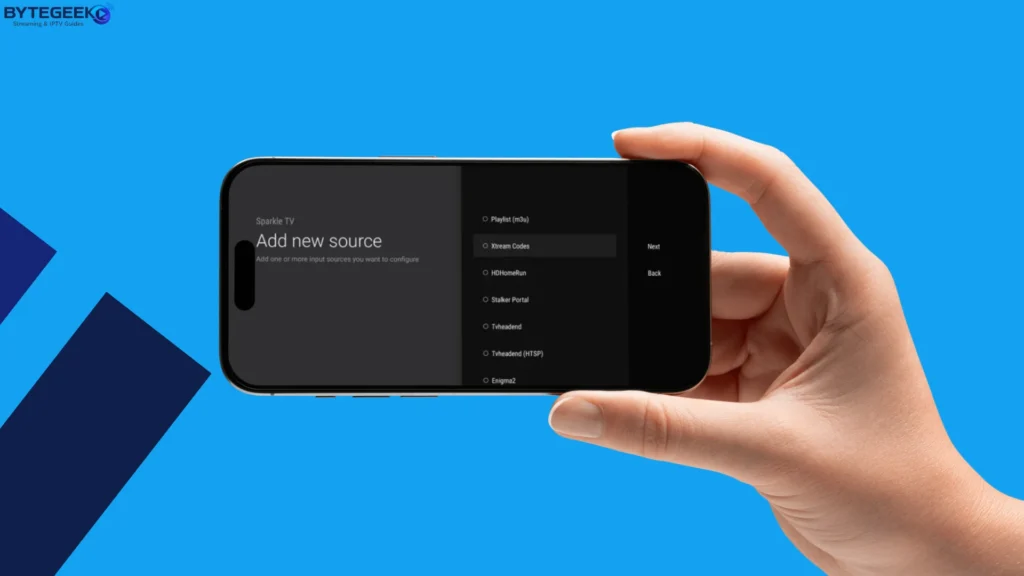
- Select “Add a New Source”, as shown in the screenshot.
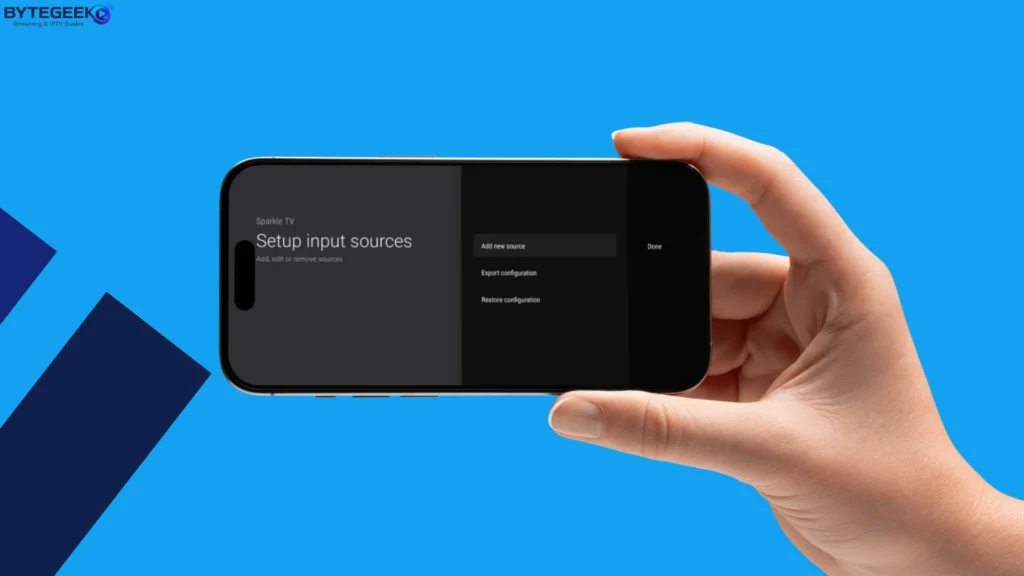
- Choose the format you want to use to import your playlist.
- The app supports several formats, so choose “Xtream Codes”.
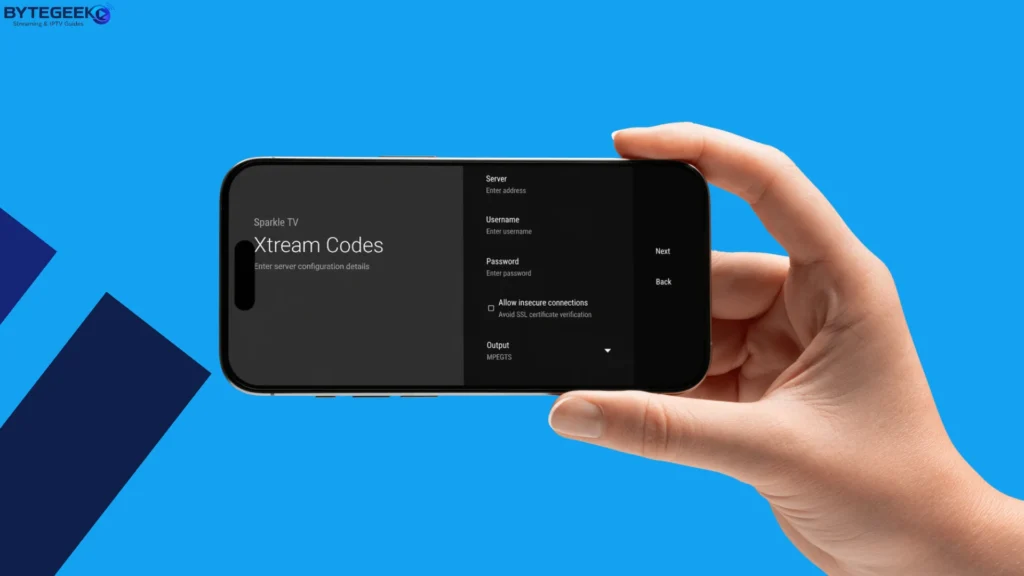
- Next, enter the details included with your IPTV subscription: username, password, and server URL.
- Add your playlist.
- Give the content some time to load.
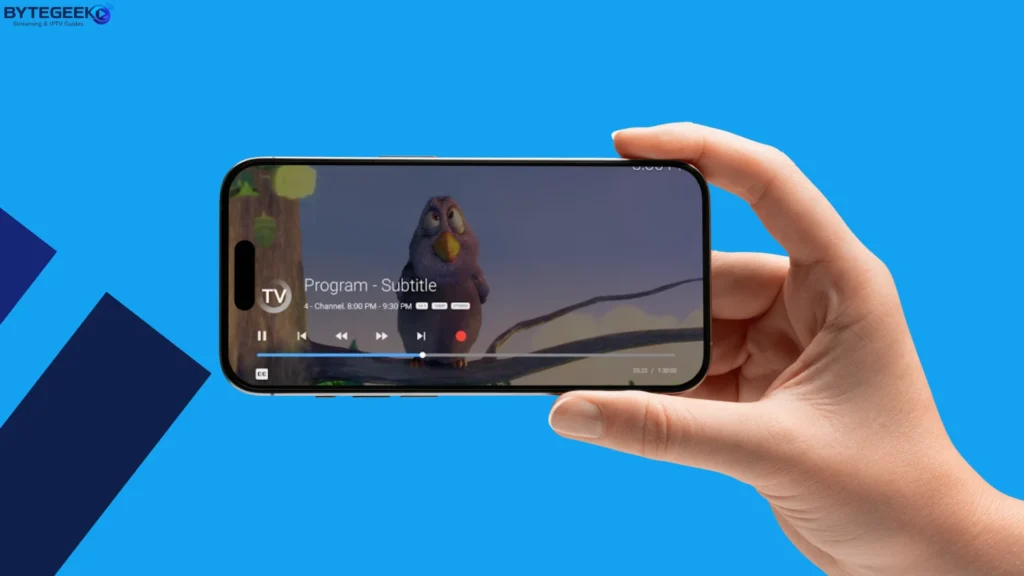
- Once the content has loaded, you can begin watching smoothly.
Is Sparkle TV Safe and Legal?
Yes, Sparkle TV is a legal application, as it is simply a media player that does not provide any content, subscriptions, or channels. The user is responsible for the content they add to the app. The application also uses recognised security measures to help protect users.
Who Should Use Sparkle TV?
Sparkle TV is ideal for people who enjoy watching content on a large screen, such as Android TV, Google TV, Fire TV, and compatible Smart TVs, as the app works well on these devices. It is also suitable for Android users, with Sparkle TV Plus available for Android devices. The app is a good choice for anyone looking for advanced features such as DVR recording, Timeshift, Multiview, EPG, parental controls, and many other useful options.
Sparkle TV Alternatives :
Tivimate :
TiviMate is considered one of the players that works well on Android TV and a leading alternative, as it offers high-quality viewing and advanced features. It supports Xtream Codes, Portal, and M3U formats. It also includes an EPG programme guide, Catch-Up, Multiview, and parental controls to protect content from children. Its interface is also well suited to large screens.
IPTV Smarters Pro :
IPTV Smarters Pro is one of the most widely used applications and is compatible with many devices. It is easy to use and supports multiple playlist formats such as Xtream Codes and GSE M3U Playlist. It also allows you to manage multiple playlists and profiles, and runs on some Android TV, Samsung, LG, and Smart TV devices.
Ibo Player Pro :
IBO Player Pro offers many features and options that make it a distinctive application. It provides high-quality content playback in 4K and supports different screen resolutions. It also allows users to add channels to their favourites. In addition, it supports players such as VLC and MX and is available on several devices.
Conclusion :
We have provided you with all the information you need about the Sparkle TV app in this article. We hope you found it useful, and feel free to share your experience with us below.
