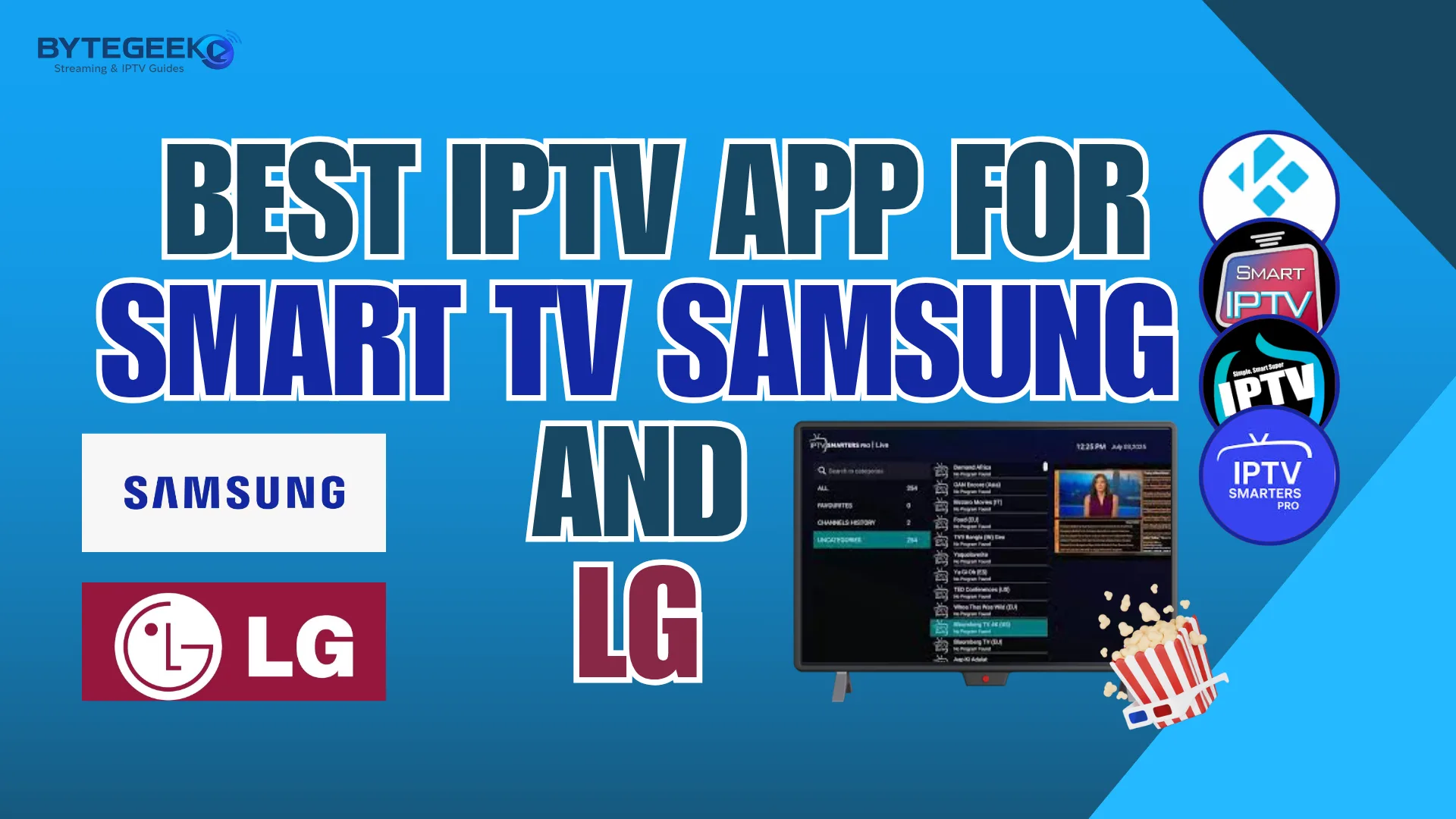
IPTV on Smart TV is now a practical digital solution that has made access to television easier for many users. If you want to discover the best IPTV apps for Samsung and LG Smart TVs, this article is for you. Follow along to explore the most interesting options and their main advantages.
Top players
What is an iptv app for Smart tv Samsung and LG ?
An IPTV app for Samsung and LG Smart TVs is a compatible streaming application that allows users to watch live TV, channel playlists, VOD, and on-demand content through IPTV providers. Popular options like IPTV Smarters Pro and SmartOne IPTV work on Tizen and webOS, offering EPG, parental controls, smooth navigation, and a customizable viewing experience. It is a great solution for TV users seeking flexible digital entertainment.
Best iptv app for Samsung and LG smart TVs in 2026
IPTV Smarters Pro :
IPTV Smarters Pro is one of the best media players that works very well on Samsung and LG Smart TVs, as it allows users to stream live channels and on-demand content with ease. It supports M3U files and login details via URL, while offering favorites, scheduling, and multi-screen features. It’s free, widely considered a top option by many users, and a solid recommendation for a smooth IPTV experience.
Pros :
- Supports M3U files and URL login
- Channels can be sorted by country
- Favorites option is very useful
- Includes scheduling features
- Multi-screen viewing is available
- Lets users adjust playback settings
Cons :
- Does not include channels or playlists
- Requires login details or an M3U file
- Needs setup before use
IPTV Smarters Pro
OTTPlayer :
OTT Player provides an ideal solution for anyone looking for an IPTV app that combines solid performance and multiple features in one place. It works seamlessly with your provider’s playlist or API, while offering an organized overview of channels, favorites, and archived content. With ease of use, search tools, playback resume, network browsing, and support for different resolution options and local storage access, it delivers both simplicity and flexibility.
Pros :
- Smooth live TV access
- Supports archived shows
- Works with custom playlists
- Automatic channel grouping
- Favorites are easy to manage
- Supports multiple EPG sources
- Efficient search filters
Cons :
- No built-in video content
- Needs your own playlist source

OTTPlayer
IBO Player Pro :
IBO Player Pro is one of the strong options that helps users enjoy TV and digital content in excellent quality. This premium player offers a wide range of features, including Samsung TVs support. The app supports playlists, video on demand, EPG, and even Xtream Code access through a simple interface. It improves user experience with seamless navigation, fast loading, and minimal buffering, although performance can still depend on internet speed.
Pros :
- Supports playlists, live TV, movies, and series
- Works on many devices, including Smart TVs
- Clean and simple interface
- EPG guide support is useful
- Multiple playlist support
Cons :
- Premium player, so not fully free
- Does not provide content itself

IBO Player Pro
SmartOne IPTV :
SmartOne IPTV gives users the chance to enjoy a flexible and smooth IPTV experience thanks to its varied features and practical design. This reliable IPTV video player lets users watch TV channels, movies, and series live with ease. It supports 4K streaming, works across more than one OS, and helps users navigate content smoothly. It requires a playlist or subscription from an IPTV provider.
Pros :
- Fast and powerful player
- Supports live TV, movies, and series
- 4K streaming support
- Works with M3U and XC API
- EPG guide is included
- Catch-up feature is useful
- Favorites option is practical
- Parental controls are available
Cons :
- No built-in content
- Catch-up depends on provider support
SmartOne IPTV
SS IPTV :
SS IPTV helps improve the online viewing experience by offering stable playback, clear picture quality, and an easy interface. This player works with the user’s own playlist or link, making it a flexible model for streaming channels, movies, and series. It can also connect with Chromecast and save favorites. For many users, SS IPTV is a great option and can be seen as a best IPTV player when the server is reliable.
Pros :
- Chromecast support is useful
- Favorites feature is practical
- Recent list helps tracking content
- Supports HLS and MP4 content
- Clear and simple interface
Cons :
- Needs a user playlist or link
- Performance depends on the server
- Streaming quality may vary
SS IPTV
Smart IPTV (SIPTV) :
Smart IPTV stands out as one of the options worth trying for anyone who wants quick and efficient access to channels and entertainment content. This IPTV application helps users install and manage playlists easily on smart TVs. It supports many IPTV services, offers EPG and advanced viewing features, and is often considered among the top picks for users seeking a more personalized and flexible streaming experience.
Pros :
- Works on many smart TV systems
- Supports M3U and TXT playlists
- Easy playlist management
- Multiple playlists can be active
- EPG support is very useful
- Channels can be sorted easily
- Favorites feature is practical
Cons :
- Free only for a limited time
- Requires one-time activation payment
- Does not include channels or content
Smart IPTV (SIPTV)
Kodi
Kodi offers a comfortable viewing environment thanks to its well-organized interface and features that make access to favorite content easier. This open-source Android media player supports videos, music, and images in one customizable platform. It also includes useful add-ons, local weather tools, and smooth navigation, making it a practical and versatile option for enjoying different types of multimedia content.
Pros :
- Supports many media types: videos, music, and images
- Simple and well-organized interface
- Adapted for touchscreen devices
- Includes useful categories like video, music, photos, and weather
- Offers many add-ons for extra features
Cons :
- Can be complex at first
- Add-ons need setup
- Some features need configuration

Kodi
Conclusion :
With this guide, we’ve highlighted some of the best IPTV apps for Samsung and LG Smart TVs. We sincerely hope this selection has helped you find the right app for your needs. Feel free to share your opinion and experience in the comments, as your feedback may help other users too.
FAQ :
What is the best IPTV app for LG Smart TV?
SmartOne IPTV is considered one of the best applications for LG and Samsung Smart TVs, and it is compatible with other devices as well. It supports webOS and Netcast, delivering smooth live streaming and high-quality viewing. It also supports Xtream Codes, with easy setup and a user-friendly interface, making it a preferred choice for many users.
Can I get international channels with IPTV on my Samsung TV?
Yes, you can get international channels through the playlists or subscriptions provided by your IPTV service provider, because IPTV apps do not include content or channels themselves; they are simply video players. Therefore, the number of international channels depends on the IPTV provider you use, not on the application itself.
Can I watch on-demand content with IPTV on Samsung TV?
Yes, you can watch on-demand content on a Samsung TV with IPTV if your provider includes this feature in your subscription. The app itself does not create or own the content. It only plays what your IPTV provider gives you, such as movies, series, and catch-up programs. So, availability depends mainly on the service you are using
How do I get IPTV on my Smart TV?
To get IPTV on your Smart TV, you first need to install a compatible IPTV player from the TV’s app store. After that, add your provider’s details, such as an M3U link or Xtream Codes login. Once the setup is complete, the channels and on-demand content will appear inside the application for easy access.
