In today’s article, we will provide a review of the IPTV Stream Player app, highlighting its main features, drawbacks, and how to use it across different systems, including iOS, Android, and Windows. Stay with us to discover more useful information and key details about this application.
Table de matières
What is IPTV Stream player :
IPTV Stream Player is a free app that lets the user stream and watch TV content through M3U lists on different devices. You can download it from the store and use it to watch live channels, video content, and more with simple playback controls. It is one of the best options for people who need a powerful service, good speed, useful information, favourite lists, audio support, and a simple version that is easy to use.
Pros and Cons of IPTV Stream Player :
Pros :
- Available on iOS, Windows, and Android
- Supports major video formats
- 4K content support
- Subtitle and dual audio support
- Global search feature
- Global favourites option
- Recent playlist access
- Parental control included
- Hide content feature
- Multiple language support
- Speed test available
- Simple player for different devices
Cons :
- Does not provide any channels
- No built-in media content
- Requires your own playlist
- Depends on an external provider
- Full experience depends on playlist quality
- Some features may vary by device
- Internet quality affects playback
- Less useful without setup information

IPTV Stream Player
My experience :
Android :
On Android, we will first download the IPTV Stream Player app.
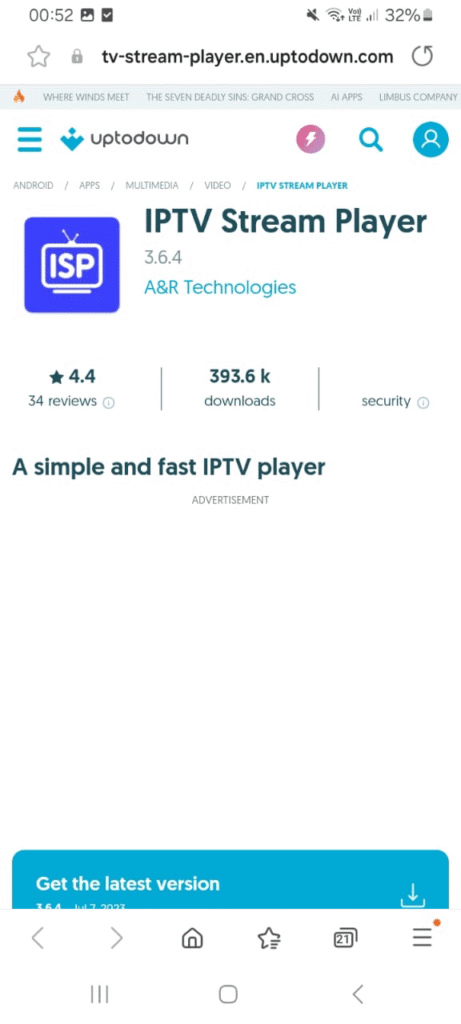
After downloading and opening it, the app will show us the available options for adding a playlist. We will choose to add the playlist through Xtream Codes.
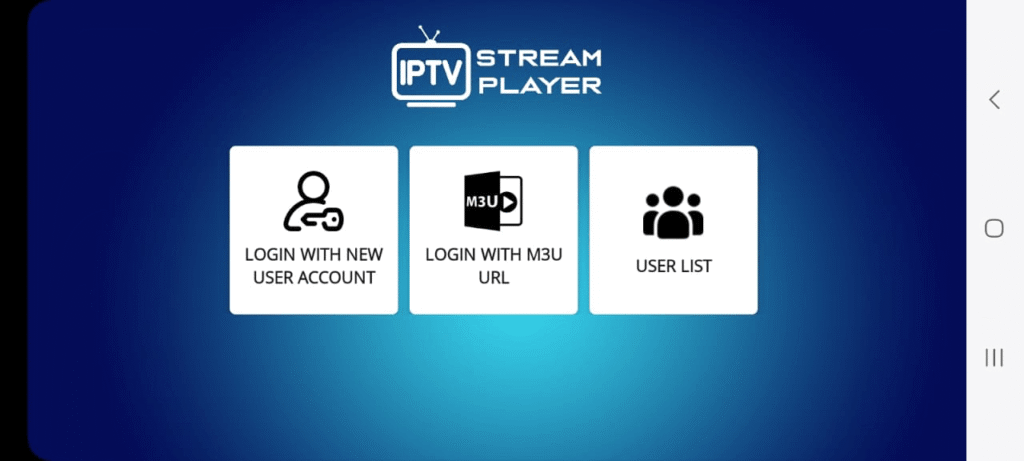
We will fill in the required details using the information provided by the service provider we subscribed to, by copying the username, password, and server URL.
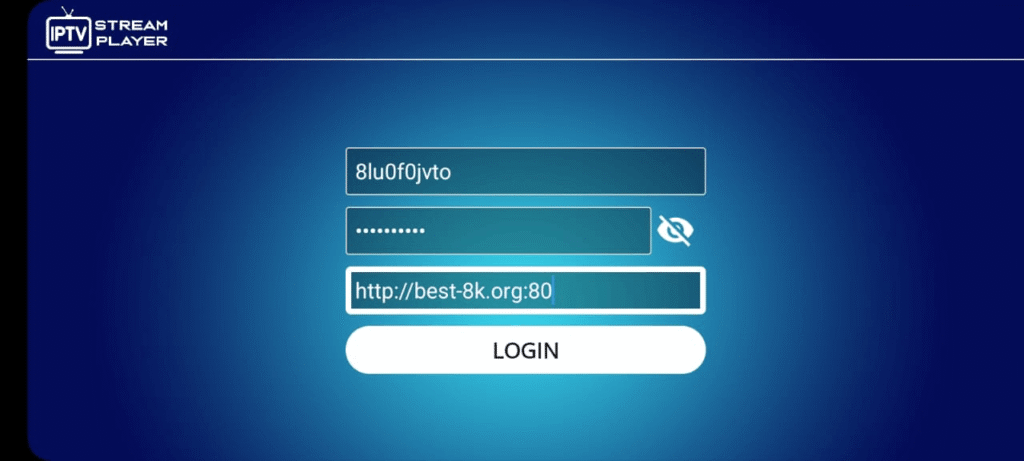
After adding the playlist, we will wait a little while for the content to load. Once it is ready, you can watch it comfortably.
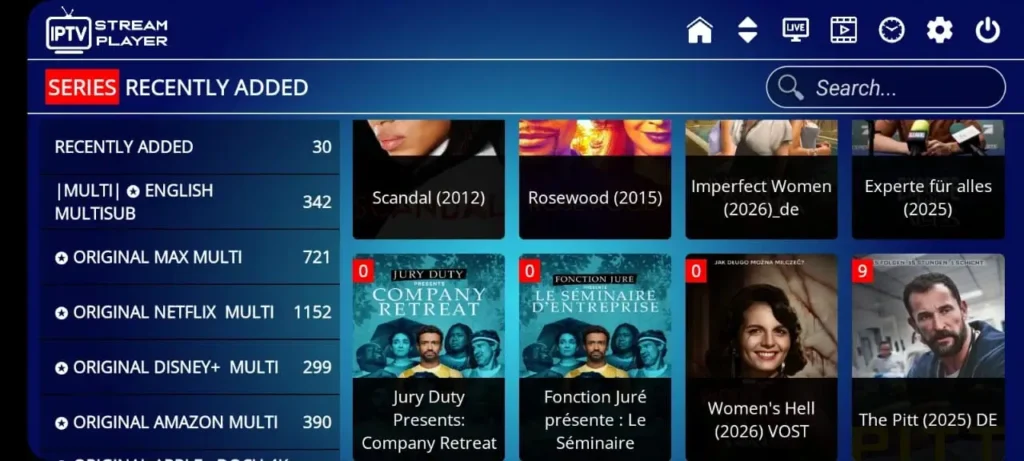
See also : Best IPTV apps for Android
IOS :
To try the app or to see how it works on iOS, we will download iptv stream player it through the App Store.
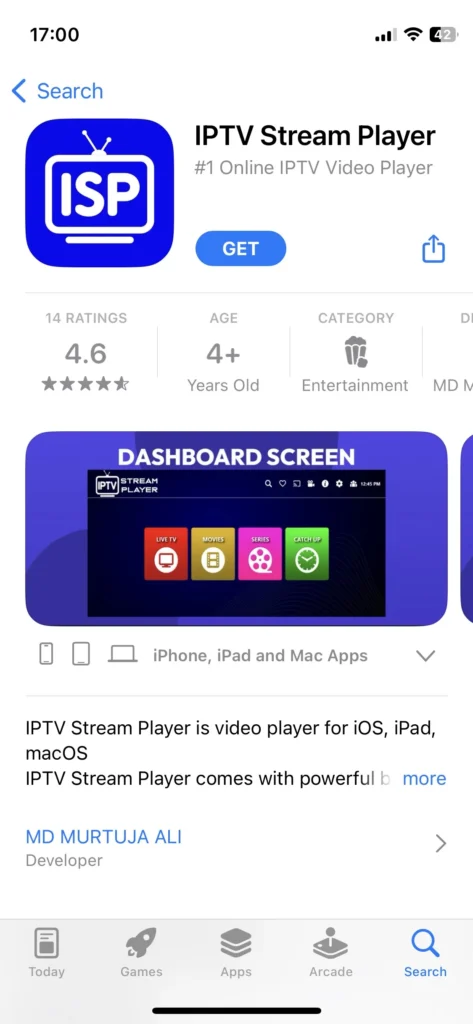
Right after downloading the app, the Xtream Codes format appears on the main interface, as the app only supports one format. We will then enter the details provided by the provider, which include the username, password, and server URL.
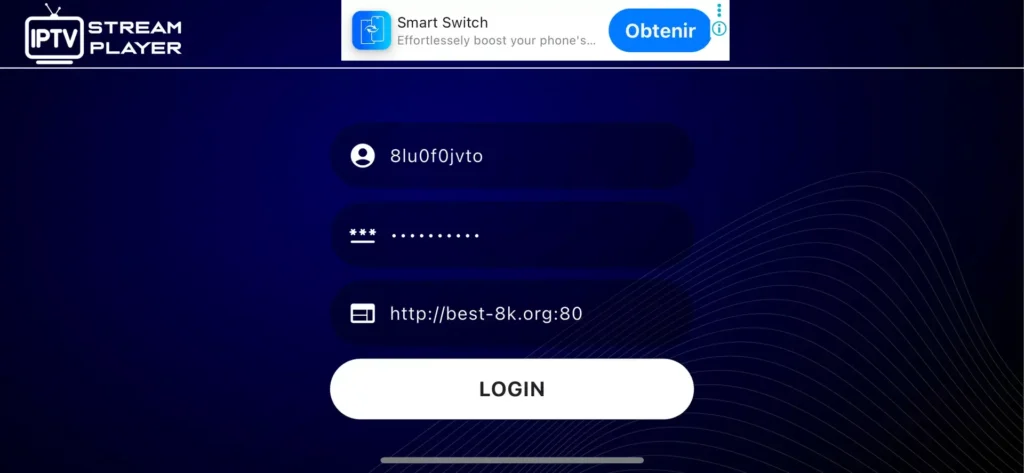
We will add the playlist and wait a few minutes for the content to load.
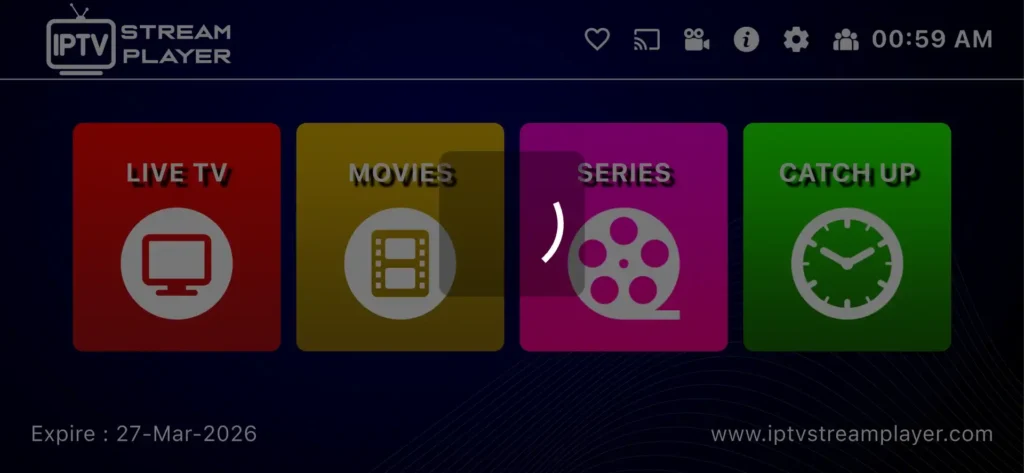
Once the content has finished loading, you can start watching it comfortably right away.
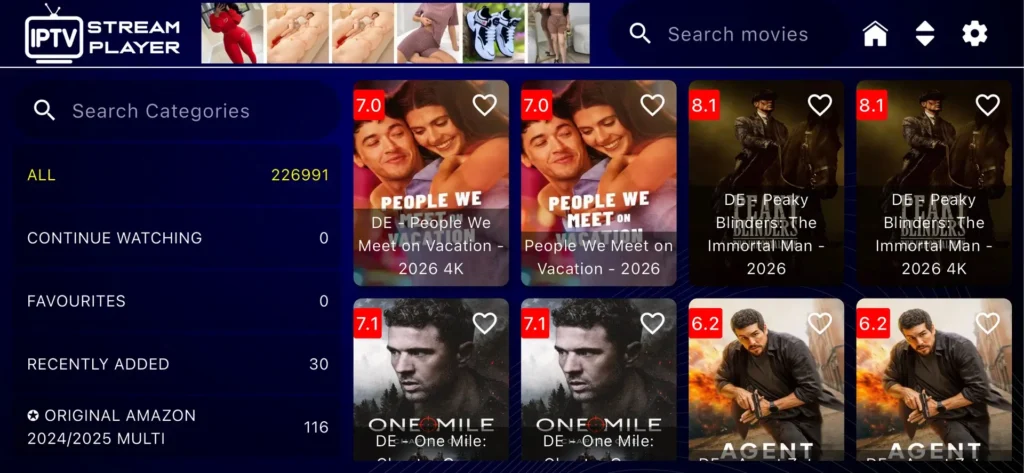
Windows :
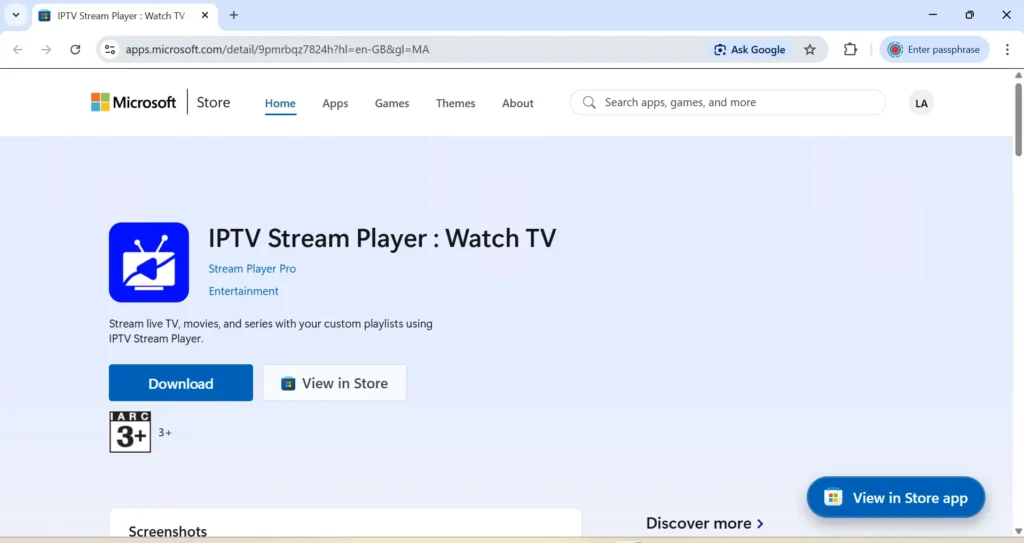
As for IPTV Stream Player on Windows, nearly the same steps are repeated. We will download the app through the Microsoft Store.
After that, when opening the app, the MAC address details will appear on the screen, and we will then go to the app’s website link.
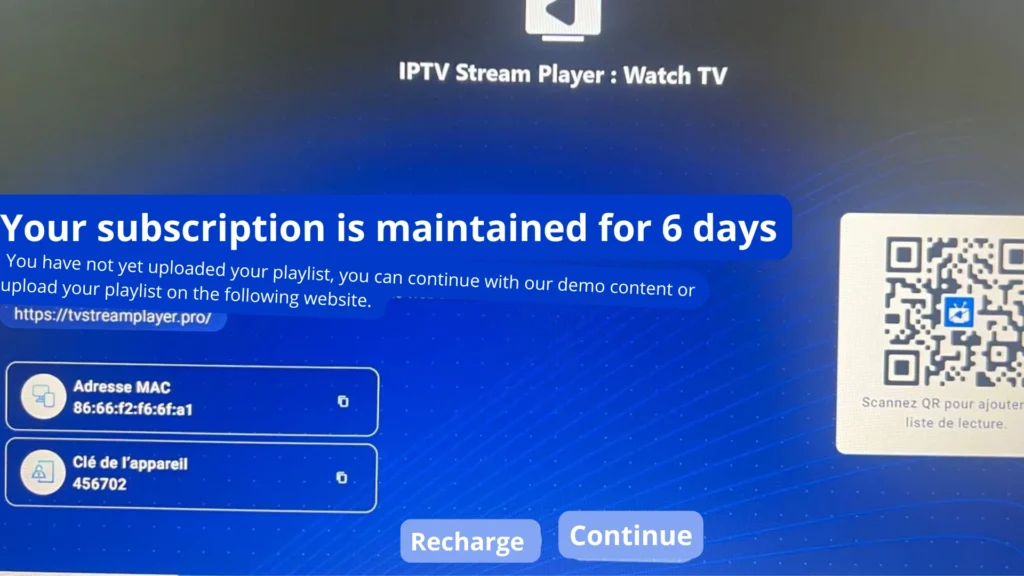
We will register using the information provided by the app on the main interface.
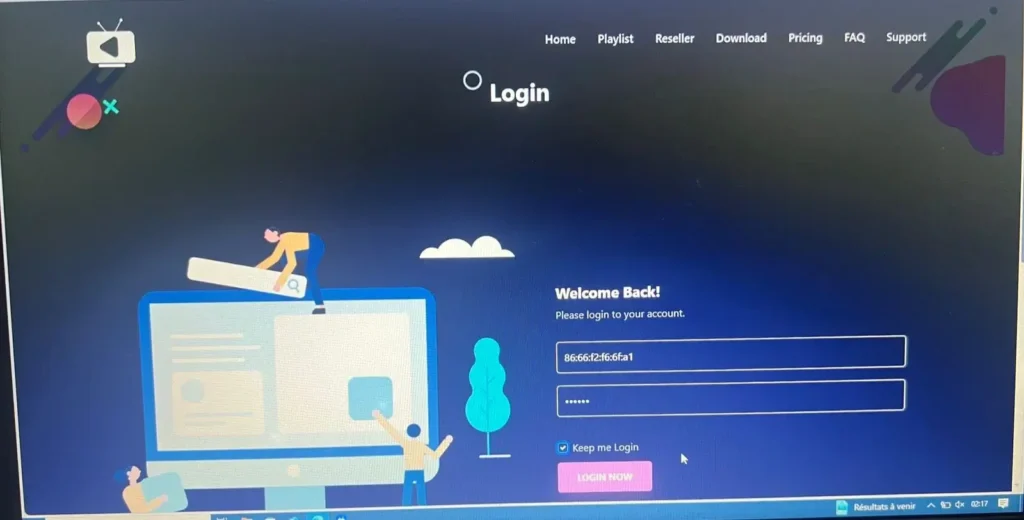
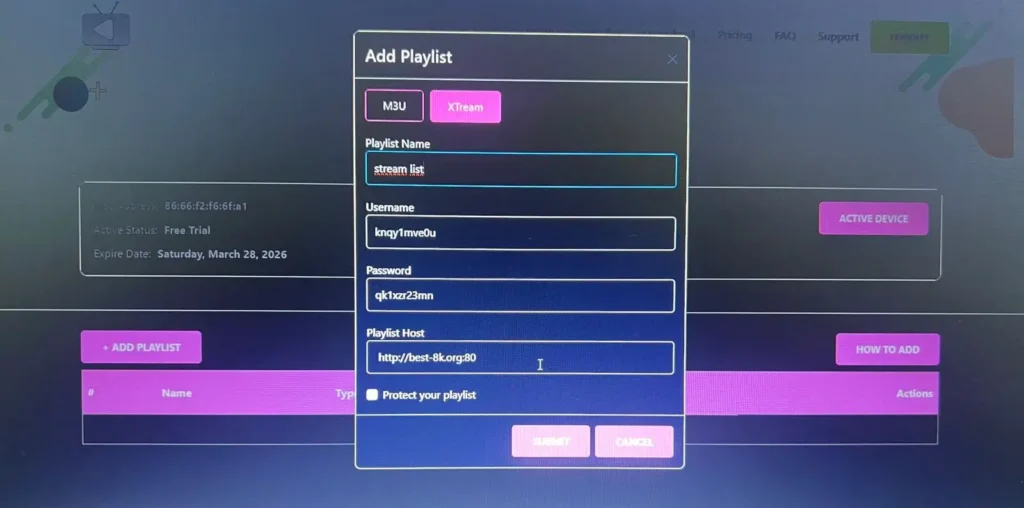
After registering, we will create a playlist and choose between the M3U format and Xtream Codes. In our case, we will select the Xtream Codes format and fill in the required details: username, password, and server URL.
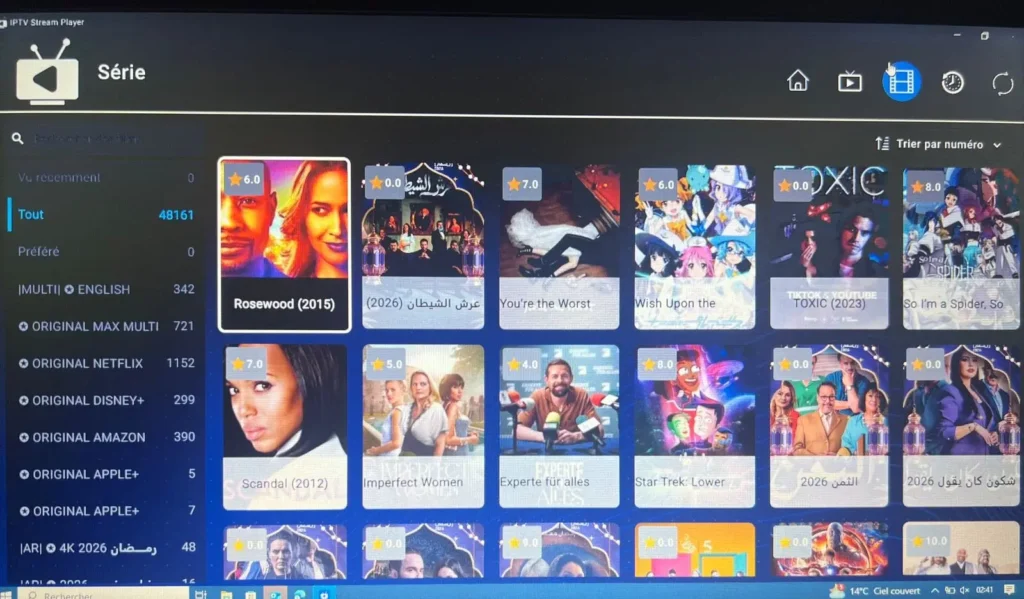
After adding the playlist, we will return to the app, where we will find that the playlist has been added successfully and we can begin watching our content.
Alternative apps to IPTV stream player :
Zen IPTV :
Zen IPTV Player is one of the best apps you can use as an alternative, as it works with all systems and offers high-quality viewing. It features an intuitive interface, also supports 4K, HDR, and Dolby Vision, and helps users build a smooth experience across TV, phone, tablet, and computer. The app includes a clear guide, multi-profile options, and favourites, while some advanced features may require a subscription.
Pros :
- Works on all your devices
- Clean and intuitive interface
- High-quality viewing experience
- Supports TV, replay, films, and series
- 4K, HDR, and Dolby Vision support
- Multi-language subtitles and audio
- EPG guide included
- Picture in Picture feature
- Automatic version grouping
Cons :
- No built-in content included
- Requires an external source
- Some options need Zen Access

Zen IPTV
GSE Smart IPTV :
GSE Smart IPTV is one of the smart solutions that has become popular among users because it provides everything a user may need in one place. It is able to support M3U playlists, Xtream Codes, and EPG options through a fast and simple interface. Users can see live channels, VOD, and organised categories easily. Its good rating and practical design make it a strong choice for people who like flexible and smooth viewing on different devices.
Pros :
- Supports M3U and Xtream Codes API
- Powerful search and sorting tools
- Built-in 4K player
- Supports HLS, MMS, RTSP, and Smooth Streaming
- Fast and user-friendly layout
- Multichannel playlist support
Cons :
- Auto-renewal applies to plans
- No predefined channels or streams
- Not affiliated with any content provider
GSE Smart IPTV
IB Player :
IB Player is one of the excellent apps you can use with complete ease, as it offers everything a user may need. It works on Android , ios and Windows ,with a simple interface and fast loading for M3U playlists. The app supports 4K resolution, parental control, favourites, and advanced player controls, making it a reliable choice for smooth and comfortable viewing across different devices.
Pros :
- Supports 4K resolution
- Simple and easy interface
- Advanced M3U player controls
- Works on several Android devices
- Supports MX Player and VLC
- Favourites option included
- Parental control available
Cons :
- Interface may feel basic for some users
- Advanced use may require setup knowledge
- Not much detail about updates

IB Player
Conclusion :
In this article, our team has provided the key information you need to understand how to use iptv stream player , along with its main features, advantages, and limitations. Overall, it is an app worth trying on different systems. We hope this review was useful, and we invite you to share your experience in the comments.
