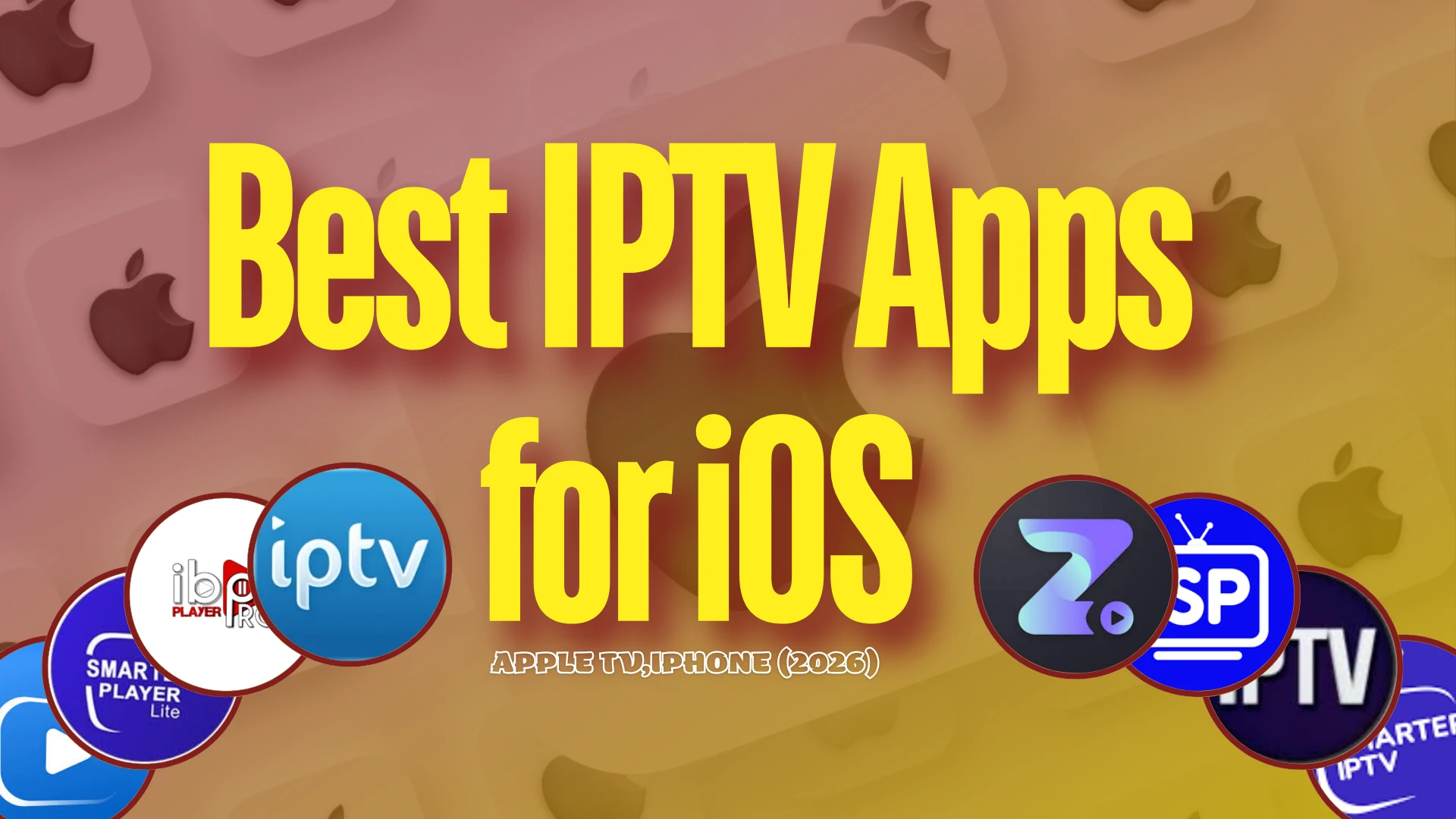
If you’re looking for IPTV apps suited for iOS, this article is for you. We’ll introduce the best IPTV apps for iOS that work well across different devices: iPhone, iPad, Apple TV, and Mac. Stay with us to learn more.
Table of Contents
What is an IPTV app for iOS?
An IPTV app for iOS is a media player for iPhone and iPad that lets users stream live TV and on-demand content over the internet instead of traditional cable. It typically supports M3U playlists, Xtream Codes API, EPG (program guide), subtitles, audio options, and multiple streaming protocols. With an intuitive interface, smooth streaming, 4K playback, auto-reconnect, and resume watching, it improves the viewing experience. It doesn’t include content and requires an IPTV subscription/service.
Best IPTV Apps for iOS (iPhone, Apple TV)
1. IPTV SMARTERS PRO
IPTV Smarters Pro is one of the most widely used apps because it combines an easy setup with support for multiple streaming formats, allowing channels to stream smoothly. It features a dual-player engine with smart player selection for a better viewing experience, improved series browsing with simple season/episode navigation, and a favorites option to start movies or series in one click. It also boosts performance across Live TV, Movies, and Series, fixes IPTV import failures and playback issues, improves VOD metadata handling, and enhances error management for IPTV connections.
Pros
- Simple and modern interface, easy to navigate
- Supports M3U / M3U8 playlists and Xtream Codes API
- Available on iPhone, iPad, Apple TV, and macOS
- Features like EPG (TV guide), favorites, and search
Cons
- Does not include channels or content (needs IPTV subscription)
- Some versions require an in-app purchase after the trial
- Performance depends on the IPTV provider and the internet speed
IPTV SMARTERS PRO
2. GSE SMART IPTV
GSE Smart IPTV is an advanced IPTV player for iOS that helps you organize channels, access favorites quickly, and enjoy a smooth interface. It supports M3U playlists and Xtream Codes API, offers powerful search and sorting, and includes a built-in 4K player. It can stream network formats such as HLS, RTSP, and Smooth Streaming. The app doesn’t provide any channels or content; you must add your own playlists and EPG from your IPTV/OTT provider.
Pros
- Supports M3U, JSON playlists, and Xtream Codes API
- Built-in powerful video player (no external player needed)
- Supports EPG (TV guide), subtitles, and parental controls
- Chromecast and AirPlay streaming support
Cons
- No built-in channels or media content
- Free version contains ads
- Setup may be complex for beginners
GSE SMART IPTV
3. IPTV STREAM PLAYER
If you’re looking for a stable viewing experience, iptv stream player focuses on reducing buffering and improving playback with quality adjustment options. IPTV Stream Player supports major video formats, 4K playback, subtitles and dual audio. It offers global search, global favourites, and a recent playlist. It also includes parental control, hide-content options, multiple language support, and a speed test.
Pros
- Built-in powerful video player with smooth playback
- Supports 4K streaming, subtitles, and dual audio
- Features like global search, favorites, and parental control
- Compatible with iPhone, iPad, and Mac
Cons
- Does not include channels or content
- Requires an external IPTV playlist or provider
- The interface may feel basic compared to other IPTV apps

IPTV STREAM PLAYER
4. ZEN IPTV PLAYER :
Zen IPTV Player offers a TV-like experience by organizing channels and showing an EPG to follow what’s on now and what’s next. It displays your content in a clean SVOD-style interface across Apple TV, iPhone, and iPad. It supports Live TV, Replay, Movies and Series, with 4K, HDR and Dolby Vision, plus subtitles and multi-language audio. Extras include Picture-in-Picture, profiles, continue-watching, favourites, and automatic grouping of SD/HD/FHD versions.
Pros
- Clean and modern interface similar to streaming platforms
- Supports 4K, HDR, and Dolby Vision playback
- Features like EPG (TV guide), subtitles, and multi-audio tracks
- Works on iPhone, iPad, Mac, and Apple TV
Cons
- Does not include channels or content
- Requires external IPTV playlist or provider
- Some advanced features require in-app purchase
ZEN IPTV PLAYER
5. IPTV SMART PLAYER :
IPTV Smart Player gives you greater control over your playlists through search and filtering, making it faster to find channels and programs. It plays only the content you add and provides no built-in channels or playlists, so you must use your own legal sources. The player supports live IPTV streaming and a wide range of formats (including M3U and many video/audio extensions). With a user-friendly design, it helps you organize playlists and videos in one place for easy access anytime, anywhere.
Pros
- Simple and user-friendly interface
- Supports M3U playlists and live IPTV streaming
- Built-in powerful video player with many formats
- Allows organizing channels and playlists easily
Cons
- Does not include channels or content
- Requires external IPTV playlist or provider
- Some features require premium subscription

IPTV SMART PLAYER
6. SMARTERS PLAYER LITE :
Smarters Player Lite delivers a smooth, high-quality media experience by combining user-friendly design with broad compatibility. It supports both local and remote sources, making it easy to access your media wherever it is stored. With customization options and high-quality playback tools, it helps create a more organized and enjoyable viewing routine.
Pros
- Simple and user-friendly interface
- Supports M3U and JSON playlists
- High-quality video playback with multiple formats
- Works on iPhone, iPad, Apple TV, and Mac
Cons
- Does not include channels or media content
- Some features are locked behind an in-app purchase

SMARTERS PLAYER LITE
7. IBO PRO PLAYER
IBO Pro Player is ideal for users looking for the best iptv option to view content through M3U playlists on iOS and tvOS. Built for modern streaming, it loads playlists quickly and delivers a smooth and reliable experience with a simple UI and advanced controls. It supports 4K and works across iPhone, iPad, and Apple TV. You can favorite channels, check movie/series details (cast, ratings, trailers), choose languages, and benefit from regular updates, with a trial period available.
Pros
- Simple and clean interface, easy to use
- Supports M3U playlists for IPTV streaming
- Compatible with iPhone, iPad, and Apple TV
- Supports 4K and multiple screen resolutions
Cons
- Does not include channels or content
- Requires external IPTV subscription
- Full features may require activation or license
IBO PRO PLAYER
8. SMARTERS PRO
Smarters Pro offers advanced playback tools, including audio, display, and subtitle controls, when available. It’s a versatile media player designed for smooth, high-quality viewing across multiple platforms. It supports several playlist formats, including M3U and JSON, and can play media from local storage or remote sources. Whether for live streaming, video-on-demand, or audio playback, it provides a reliable experience with an intuitive interface, smooth playback, and customizable settings to optimize your viewing.
Pros
- Supports M3U / M3U8 playlists and Xtream Codes API
- Smooth streaming with high-quality playback
- Works on iPhone, iPad, Mac, and Apple TV
- Features like favorites, playlist management, and search
Cons
- Does not include channels or content
- Requires external IPTV subscription or playlist
- Some features require in-app purchase or activation
SMARTERS PRO
9. IPTV WATCH TV ONLINE :
Watch TV Online is a family-friendly option because it includes features that help organize content and manage what can be shown more safely. Built for iOS, it supports IPTV with EPG, VOD, and on-demand video. It supports M3U and XSPF playlists, the Xtream Codes API, and a powerful built-in IPTV player. It also supports many network protocols (FTP, HTTP, RTMP, RTP/RTSP, UDP, Smooth Streaming), XMLTV EPG, and dark mode.
Pros
- Supports M3U and XSPF playlists
- Compatible with Xtream Codes API
- Built-in powerful IPTV video player
- Supports EPG (TV guide) with reminders
Cons
- Does not include channels or IPTV subscription
- Many features require in-app purchase
- Free version has limitations for watching content
IPTV WATCH TV ONLINE
10. FLEX IPTV :
Flex IPTV is designed to be fast and lightweight, making it suitable for mid-range devices and ensuring smooth navigation between sections. If you want to find the best iptv apps, it delivers an enjoyable viewing experience with high-quality playback and solid streaming quality. It supports subtitles and lets you switch audio tracks, while handling remote and local playlists with auto-updates, including m3u and xtream options. Extra tools include auto-reconnect, watch history, favorites, XMLTV EPG support, and live-stream recording with parental controls.
Pros
- Supports remote and local M3U playlists with auto-update
- Built-in powerful player with subtitles and audio track switching
- Supports XMLTV EPG (TV guide) and channel favorites
- Can record live streams and keep watch history
Cons
- Does not include channels or IPTV content
- Requires external playlist or IPTV provider
- Some features require Pro version purchase

FLEX IPTV
11. MEGA IPTV :
Mega IPTV stands out by letting you save favorites and track what you’ve watched, making content access faster and easier. Designed for Apple devices, it’s one of the best iptv players for a smooth streaming experience and strong ease of use. The app supports live channels with a TV guide and an electronic program guide, plus Chromecast casting to smart TV screens. It also supports M3U and M3U+ formats, remote playlists, VOD downloads for offline viewing, and parental controls. The app does not provide content.
Pros
- Supports M3U/M3U PLUS playlists for IPTV streaming
- Built‑in high‑quality video player with fast playback and Chromecast support
- EPG (TV guide) and parental control features
- Can download VOD content for offline watching
- Simple and clean interface, easy to use
Cons
- Does not include any channels or content — you must add your own playlist
- Many features are behind in‑app purchases/subscription
- Performance depends on playlist quality and internet speed
- Some users report issues or bugs with casting and playback

MEGA IPTV
12. IPTV WORD :
IPTV World supports multiple methods for adding playlists, including M3U (and related list formats), so you can choose the option that best suits you. Built for iOS devices, it offers an easy-to-use interface for intuitive user navigation and multiple ways to watch live and non-live content anytime. It enhances the IPTV experience with high-quality video playback, dynamic subtitles and audio options, background playback, and support for various stream types. You also get search, sorting, favorites recording, parental control, and automatic updates for a smoother experience.
Pros
- Supports M3U playlists and Xtream Codes API
- Built‑in video player with smooth playback
- EPG (TV guide) support for program scheduling
- Works on iPhone, iPad, and Apple TV
- Simple and clean interface for easy navigation
Cons
- Does not include channels or content
- Requires external IPTV playlist or subscription
- Some features require in‑app purchase
- Performance depends on playlist quality and internet speed
IPTV WORD
13. IPTVX :
IPTVX stands out for its ease of use and high quality, allowing you to watch content in a truly professional way. It offers live TV, a full TV Guide (EPG), catch-up archives, favorites, and “continue watching” sections. You can manage multiple playlists, customize categories, enable parental control, and use AirPlay 2. With advanced subtitles, audio track selection, auto-EPG detection, and offline mode on iOS, IPTVX delivers a premium, smooth viewing experience.
Pros
- Supports M3U/M3U8 playlists, Xtream API, PLEX & SMB formats
- Clean and modern interface with favorites, categories, and smart search
- Works on iPhone, iPad, Apple TV, Mac, and iCloud sync
- EPG (TV guide), Catch‑up, Picture‑in‑Picture, and multi‑screen
- Subtitles, audio tracks, offline mode, parental control
Cons
- Doesn’t include any channels — requires your own IPTV playlist/provider
- Many advanced features require in‑app purchase/subscription
- Startup and playlist loading can be slow for some users
- Occasional bugs/crashes and playback issues reported on some devices

IPTVX
Conclusion
Our team tried to bring you the best iptv apps for iOS we tested, reliable options with high quality that can meet your needs. We hope you found this helpful. Don’t forget to share your experience in the comments.
FAQs :
What is the best app to watch IPTV?
The best app for watching IPTV is one that offers many features, lets you watch live TV channels and on-demand content over the internet in high quality, and ensures a stable viewing experience. It should support multiple formats, such as the Xtream Codes API and M3U playlists, making it easy to add your subscription and organize channels in a smooth, user-friendly way.
Is there an IPTV app for both iOS and Android?
Yes, there are several apps available for both iOS and Android that let users watch on-demand content and live TV channels on smartphones and tablets. These apps serve as media players and offer a range of features to provide a stable, high-quality viewing experience.
How can I get an IPTV app on iPhone?
To get IPTV on your iPhone, first download an IPTV app from the App Store and make sure it is compatible with iOS. After installing it, add your IPTV service subscription details, either via an M3U playlist or an Xtream Codes API link. Then you can organize your channels and content, add favorites, adjust audio, subtitle, and quality settings, and enjoy a smooth, comfortable viewing experience.
